What you get
You decide what changes
Three modes: keep every word, allow light editing (tighter wording, same meaning and key info), or allow restructuring when a slide is too dense or messy.
An editable .pptx
Real text boxes you can click and edit in PowerPoint or Google Slides — not flattened images. An HD image version is included.
Preview before you pay
Start with a $9.90 refundable deposit, see your own slides redesigned, and pay the rest only when you download.
One price per deck
$39 for up to 30 slides, $59 for 31–50. No subscription. A 30-slide deck takes about 15–20 minutes.
Who it's for — and who it isn't
Decks where a lot is riding on it: investor meetings, client pitches, board updates, promotion reviews and conference talks — when one deck affects the outcome and you can't wait days for a designer.
Not for a class assignment or a routine team update — free tools like PowerPoint Designer or Canva's free plan are enough for that. BetterPPT is paid: $39 per deck, with a $9.90 refundable deposit to preview first.
Same content, redesigned
Real slides before and after, redesigned by BetterPPT.
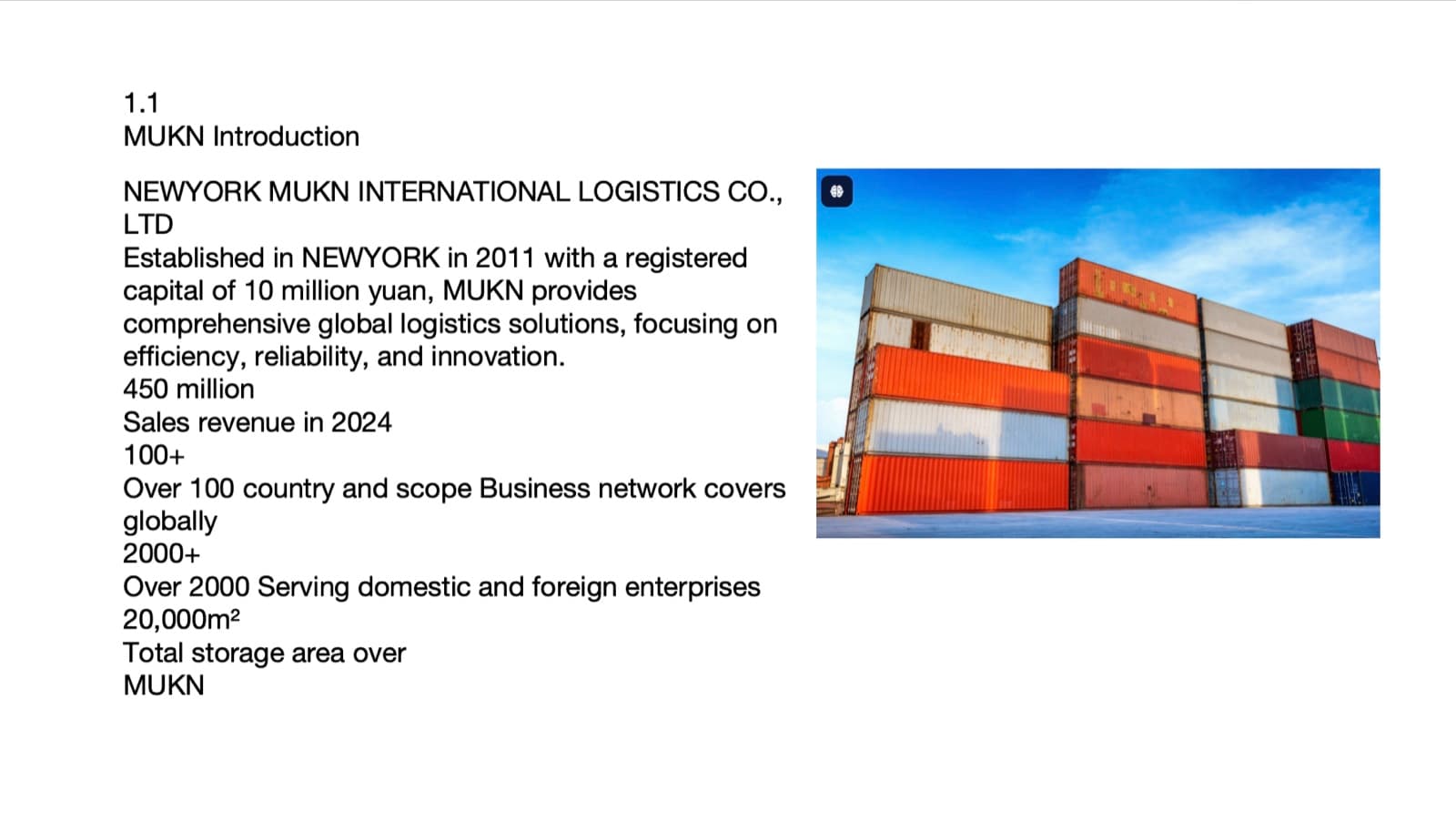
Before
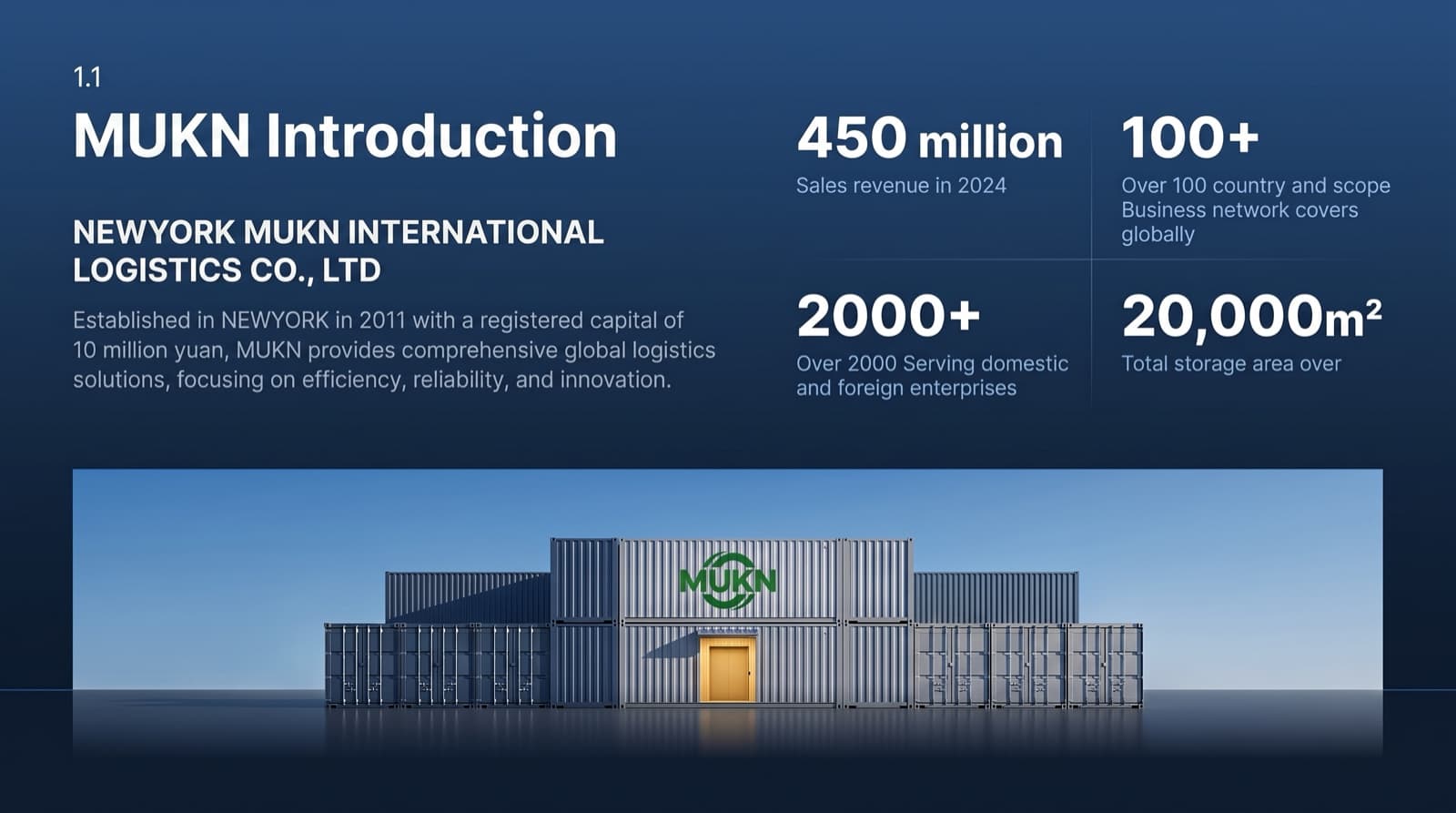
After

Before

After
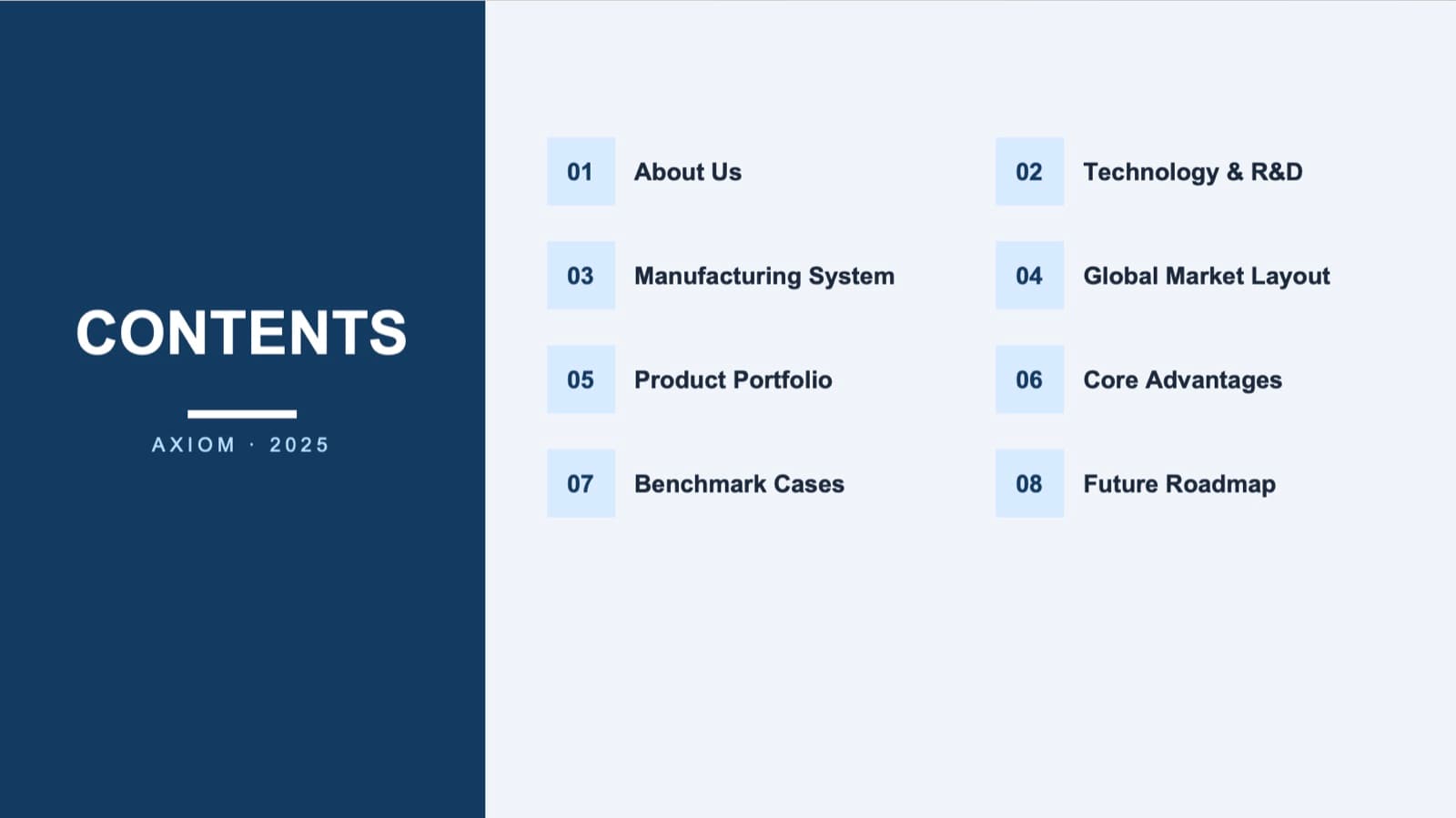
Before
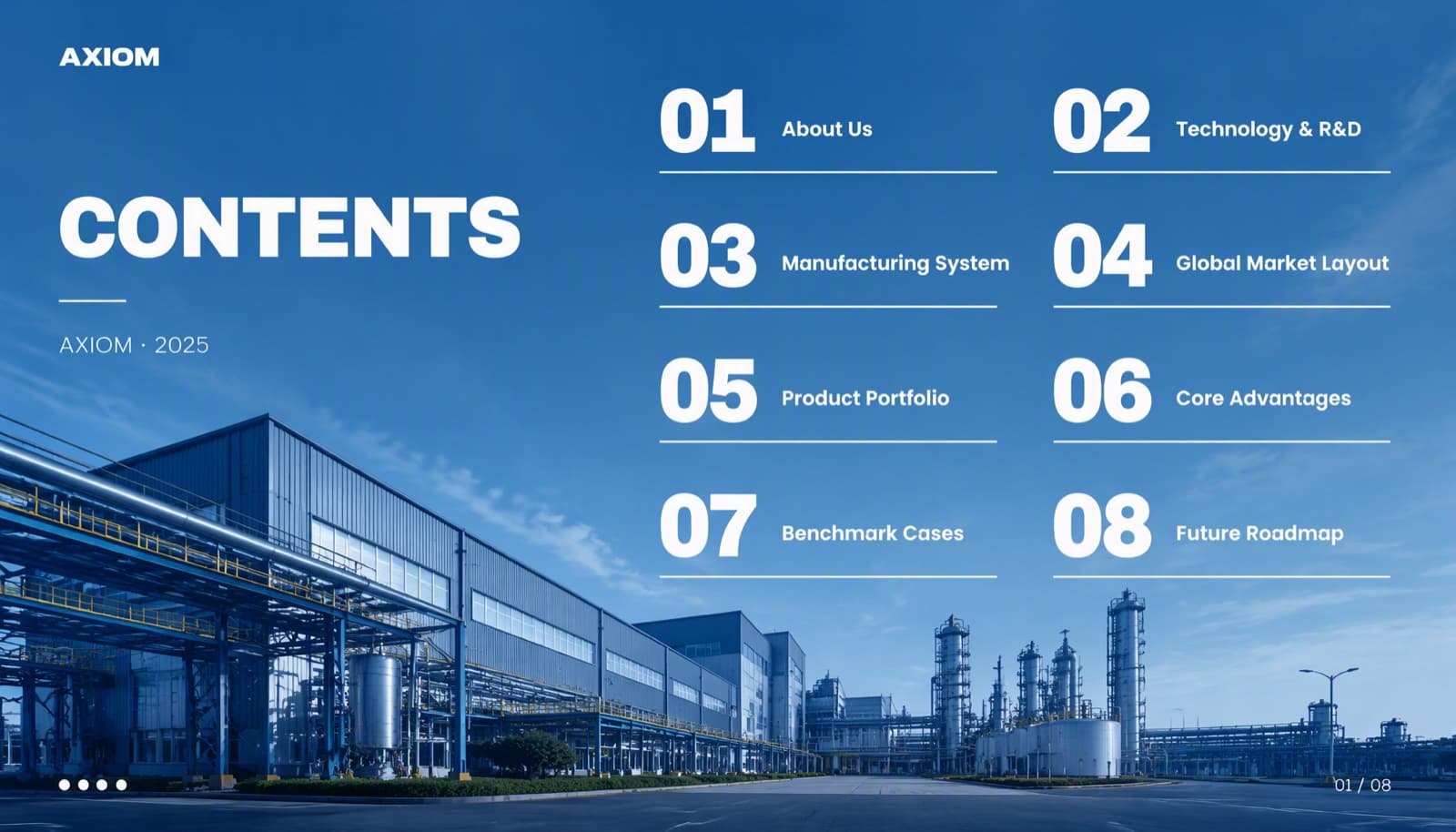
After
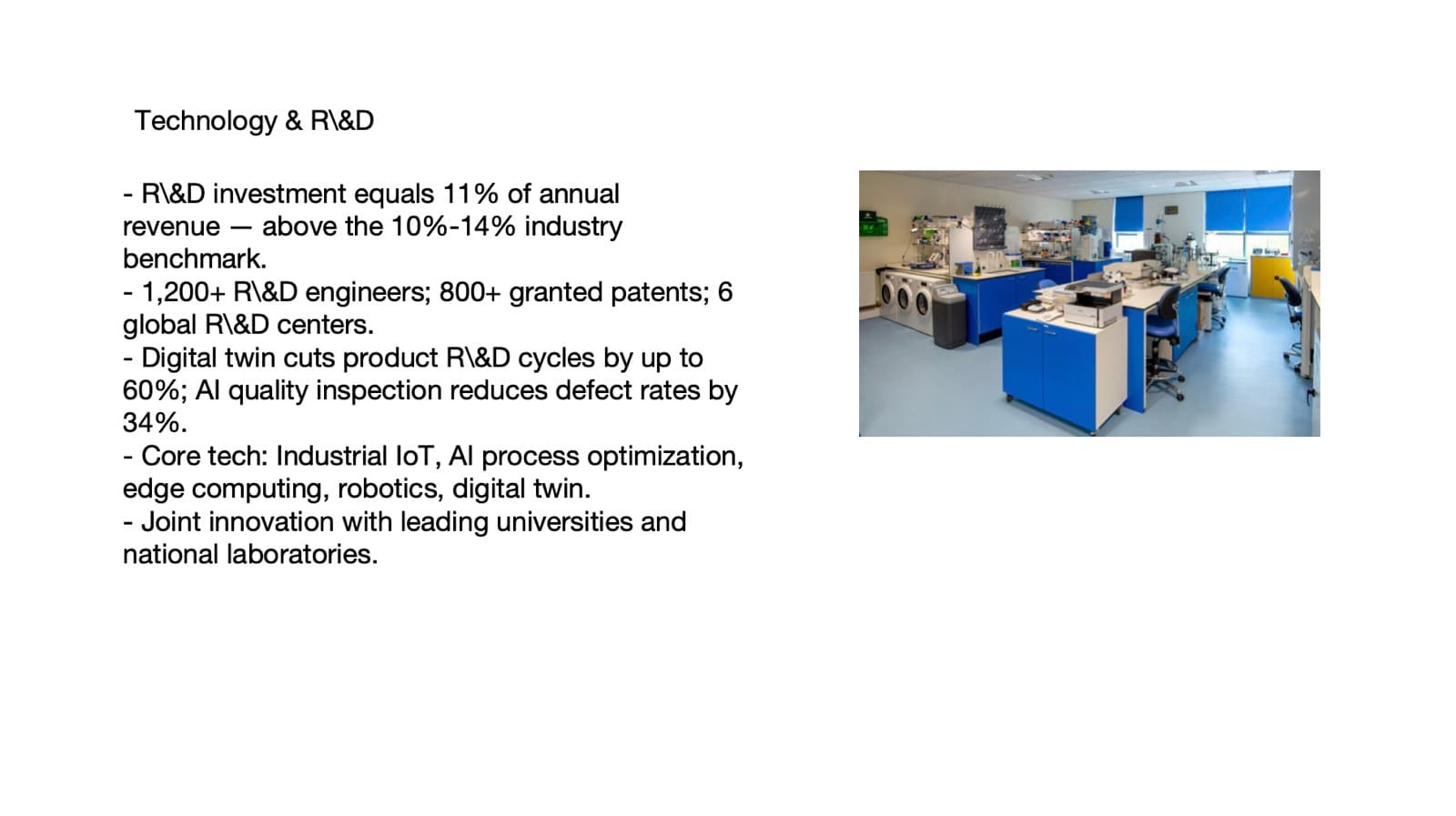
Before
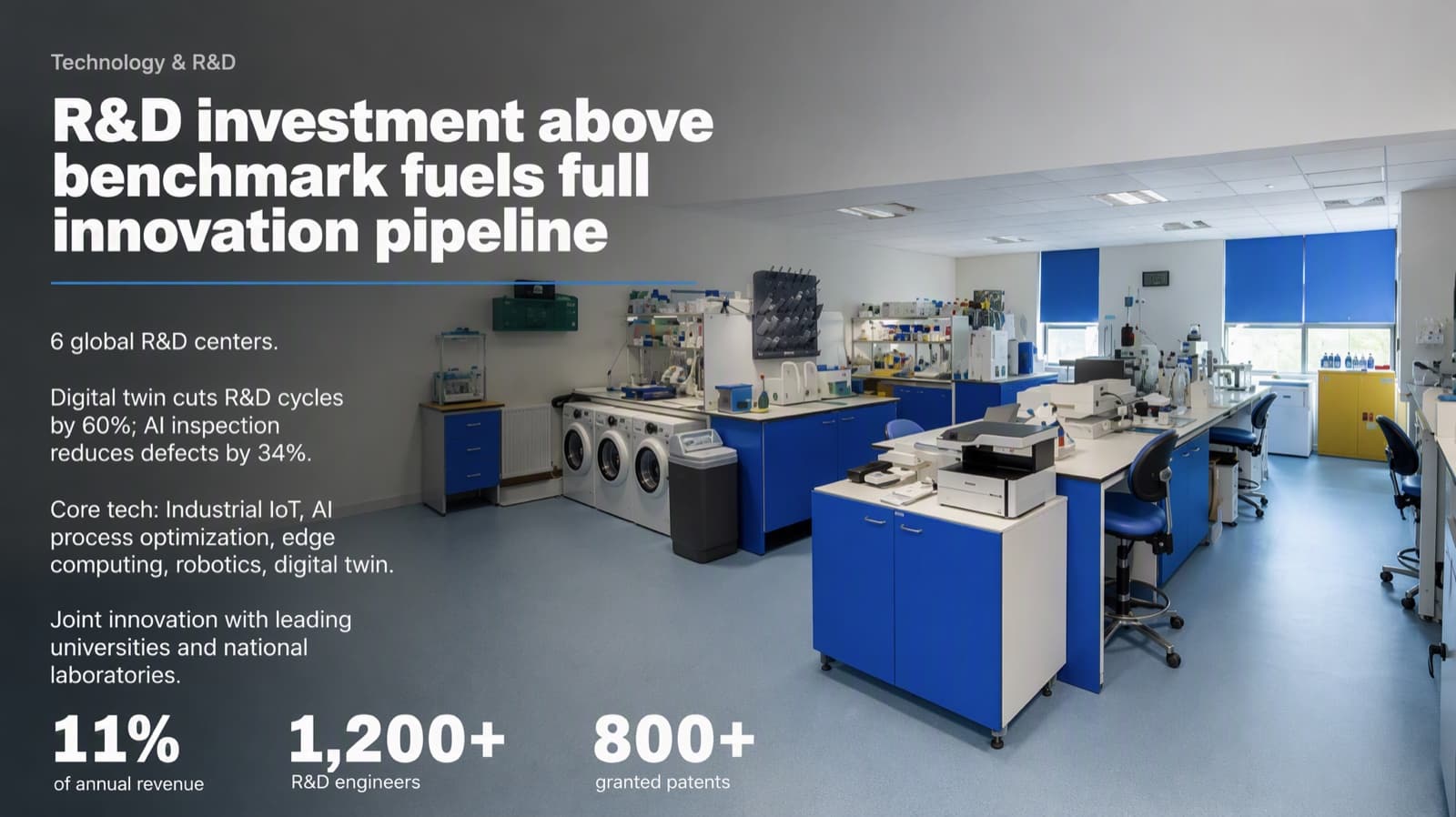
After
How it works
- 01
Upload your .pptx
Up to 50 slides and 50MB. Answer a few quick questions about your industry, your audience and the style you like.
- 02
Every slide gets its own layout
BetterPPT works slide by slide: one clear focal point, real visuals, and consistent type and color across the deck — not one template stretched over everything.
- 03
Preview, then download
Look at a few of your redesigned slides first. Happy? Pay the balance and download. Not happy? We refund your deposit.
What stays the same
- Your wording — word for word in “Keep every word” mode
- Numbers, data and conclusions
- Slide order and the structure of your story
- Your photos, with backgrounds cleaned up
- The language of your deck — bilingual slides stay bilingual
What gets redesigned
- Layout and visual hierarchy on every slide
- Fonts and color, consistent across the whole deck
- Image treatment and backgrounds
- Dense slides, given a clear visual structure
How it compares with other ways to redesign an existing deck
| BetterPPT | Decktopus AI Beautify | Codia NoteSlide | PowerPoint Designer | |
|---|---|---|---|---|
| Works on your existing deck | Yes, upload a .pptx | Yes, .pptx or PDF | Yes, PPT, PPTX or PDF | Yes, inside PowerPoint |
| Keeps your text | Your choice: keep every word, light editing, or restructuring | Says every word stays as written | Keeps facts and hierarchy “where possible” | Yes |
| Whole deck in one pass | Yes, every slide | Yes | You pick the slides | One slide at a time |
| Editable PowerPoint file | Yes, real text boxes | Exports PPT; editability not stated | Yes | Native PowerPoint file |
| See the result before paying | Yes, $9.90 refundable deposit | Not stated on the page | Credit cost shown before you submit; redesign is on paid plans | Suggestions shown as you work |
| Price shown on the page | $39 up to 30 slides, $59 for 31–50 | Not listed | Not listed (credits) | Included with Microsoft 365 |
Competitor details come from their public product pages as checked on October 18, 2026, and may have changed since.
Gamma can import an existing deck too — see how the two compare →
Questions
Who is BetterPPT for, and who isn't it for?
It's for decks where a lot is riding on it — investor meetings, client pitches, board updates, promotion reviews and conference talks. It isn't for a class assignment or a routine team update: free tools like PowerPoint Designer or Canva's free plan are enough for those. BetterPPT is paid — $39 for up to 30 slides, with a $9.90 refundable deposit to preview up to 6 of your slides first.
I already have a finished PowerPoint — is there a tool that can beautify it?
Yes. BetterPPT is an AI design agent that redesigns PowerPoint decks you've already written — every slide individually — and returns an editable .pptx. Upload the .pptx, choose how much of your wording may change, and see up to six redesigned slides for a refundable $9.90 deposit. Gamma, Wonderslide and Plus AI can also import an existing deck; our same-deck test compares all four.
Can AI redesign my PowerPoint without changing the content?
Yes. Choose “Keep every word” when you set up the redesign and BetterPPT won't change a single word — it redesigns only the visual layer: layout, fonts, color, images and hierarchy. If you want help with the text, choose “Allow light editing” to tighten wordy sentences while keeping your meaning and key information, or “Allow restructuring” to let it reorganize and trim slides that are too dense or messy.
Different people made different slides — how do I make the whole deck look consistent?
Agree on one small set of rules and apply it to every slide: one heading font and one body font, one main color, and one job for that color. The rule we design by is that the brand color goes to a single class of element — every section number, say, or every chart highlight — so it repeats in the same role on each slide instead of wherever each author liked it. Then put titles in the same place and size on every slide. To skip the manual pass, upload the merged .pptx to BetterPPT: each slide gets its own layout, while fonts and color stay consistent across the whole deck, and you can enter your brand's main color during setup. Choose “Keep every word” if each contributor's wording must stay exactly as written.
Will I get an editable PowerPoint file, not images?
Yes. You download a real .pptx with genuine text boxes that you can edit in PowerPoint or Google Slides. An HD image version is included if you only need to present.
Can I see the redesign before I pay?
Yes. A $9.90 deposit gets you a preview of your own slides redesigned. If you're not happy with it, email support@betterppt.com and we'll refund the deposit. You pay the rest only when you download — $39 in total for up to 30 slides.
How long does it take to redesign a 30-slide deck?
About 15–20 minutes for 30 slides; longer decks take a little more. Decks of up to 50 slides are supported.
Is my deck kept private?
Files travel over encrypted connections and are kept in private storage. Unpaid decks are deleted automatically after 7 days; paid decks are kept for 1 year so you can download them again, and you can delete any deck at any time.