Short answer
- Strongest all-rounder for speed and editing: Gamma — about 5–6 minutes, a generated cover image, consulting-style headlines, and every word editable in its built-in editor. It also rewrites headlines and adds its own summary lines, so check the text.
- Most designed result: BetterPPT — every slide gets its own layout, your photos are re-composed and new imagery is added. It's the most expensive ($39 per deck up to 30 slides), the slowest, and has no in-browser editor.
- Cheapest per deck: Wonderslide — $4.99 and a few minutes, with bold AI illustrations. In its “Improve and refine” mode it dropped most of the numbers on our data-heavy slides.
- Most conservative: Plus AI — keeps the text as written and exports a native PowerPoint, but the slides stay close to a standard template.
How we tested
The source deck is an 8-slide corporate introduction for a sample company: title slide, contents, about us, technology, manufacturing, products, case studies and roadmap. Most slides are plain bullet points; 7 photos appear on 3 slides. On October 18, 2026 we uploaded the same .pptx to each tool and used its guided flow:
The source deck, all export images and the scoring data are on GitHub so you can rerun the test: github.com/michaelkong1018/betterppt-redesign-benchmark
- BetterPPT
- Uploaded the .pptx, answered the setup questions, downloaded the HD image version.
- Gamma
- Imported the .pptx into Gamma's redesign agent, answered its setup form and accepted its suggested direction; exported the slides.
- Wonderslide
- Answered its two questions with “Improve and refine (Recommended)” and “Modern Tech”; downloaded the free PDF (watermarked). We later re-ran it with “Preserve exact structure”.
- Plus AI
- Asked it to “redesign and make it look better and professional” in the Plus AI editor (Basic plan); exported the PPTX.
Results at a glance
| BetterPPT | Gamma | Wonderslide | Plus AI | |
|---|---|---|---|---|
| Works on your existing deck | Yes — upload a .pptx | Yes — import a .pptx | Yes — PPTX, PDF, DOCX and more | Yes — import into its editor |
| Layout approach | Each slide designed individually | Template-based, consulting-style blocks | Style preset, card layouts | Template-style layouts, cards |
| New imagery | Yes, on most slides | Yes — generated cover image | Yes, on some slides | None added in our test |
| Your original photos | Re-composed, used full-bleed | Placed as-is | Placed as-is in cards | Placed as-is |
| Text on data-heavy slides | Figures kept and enlarged | Figures kept; headlines rewritten, summary lines added | Mostly dropped in “Improve” mode; kept in “Preserve” mode | Kept as written |
| Editing | Download the .pptx and edit in PowerPoint; no in-browser editor | Every element editable in its built-in editor | Built-in editor | Built-in editor |
| File you get | Editable .pptx + HD images | Gamma deck; PPTX / PDF export | Free: watermarked PDF. Paid: editable PPTX + PDF | Native .pptx |
| See results before paying | Up to 6 pages after a $2.90 refundable deposit | Free plan with one-time credits | Whole deck, watermarked, free | We tested on a paid plan |
| Time | About 15–20 min for 30 slides | About 5–6 min | About 5–6 min | Not timed |
| Price | $39 up to 30 slides, $59 for 31–50, one-time | Free plan; paid plans roughly $8–20 per seat/mo | $4.99 per deck; subscriptions $12.99–24.99/mo | Subscriptions from $15/user/mo (Pro $25) |
Prices as shown on each product's checkout or pricing page on October 18, 2026. Gamma's pricing page blocked our checker, so its range comes from third-party listings — check gamma.app/pricing.
Slide by slide
Title slide
The original is four lines of text on white. No image.





Technology & R&D (a data-heavy slide)
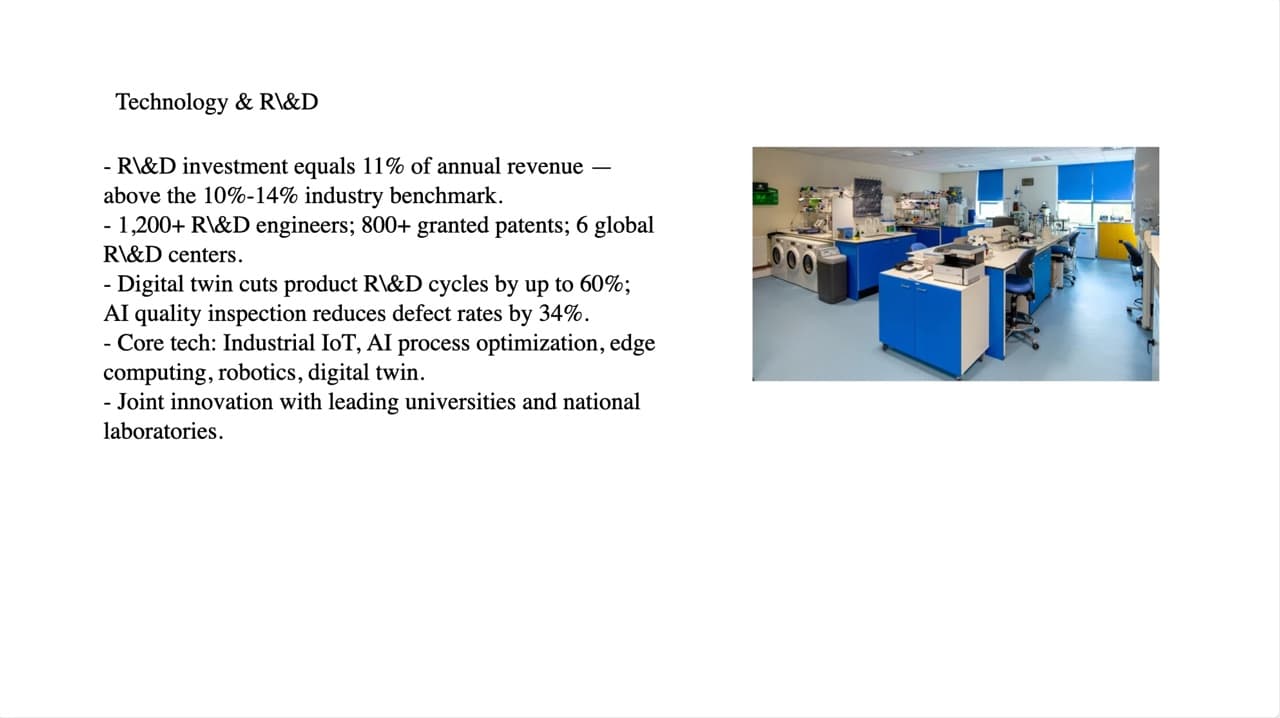
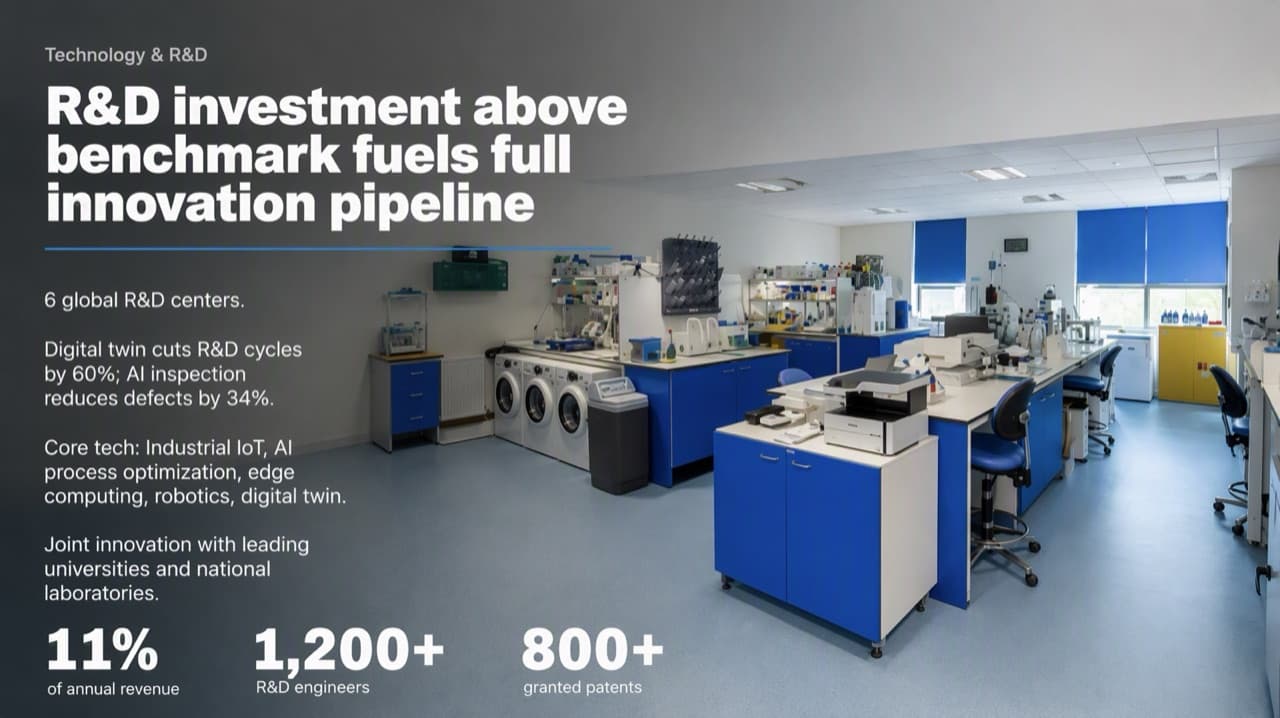
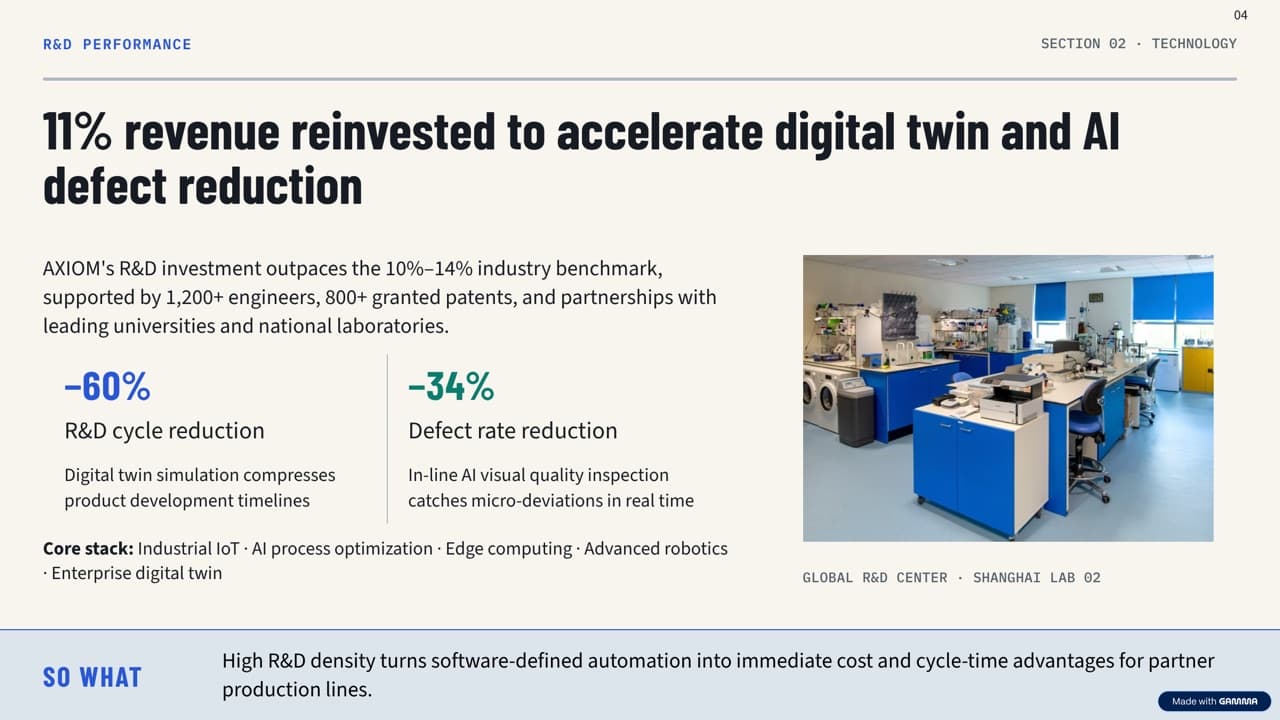
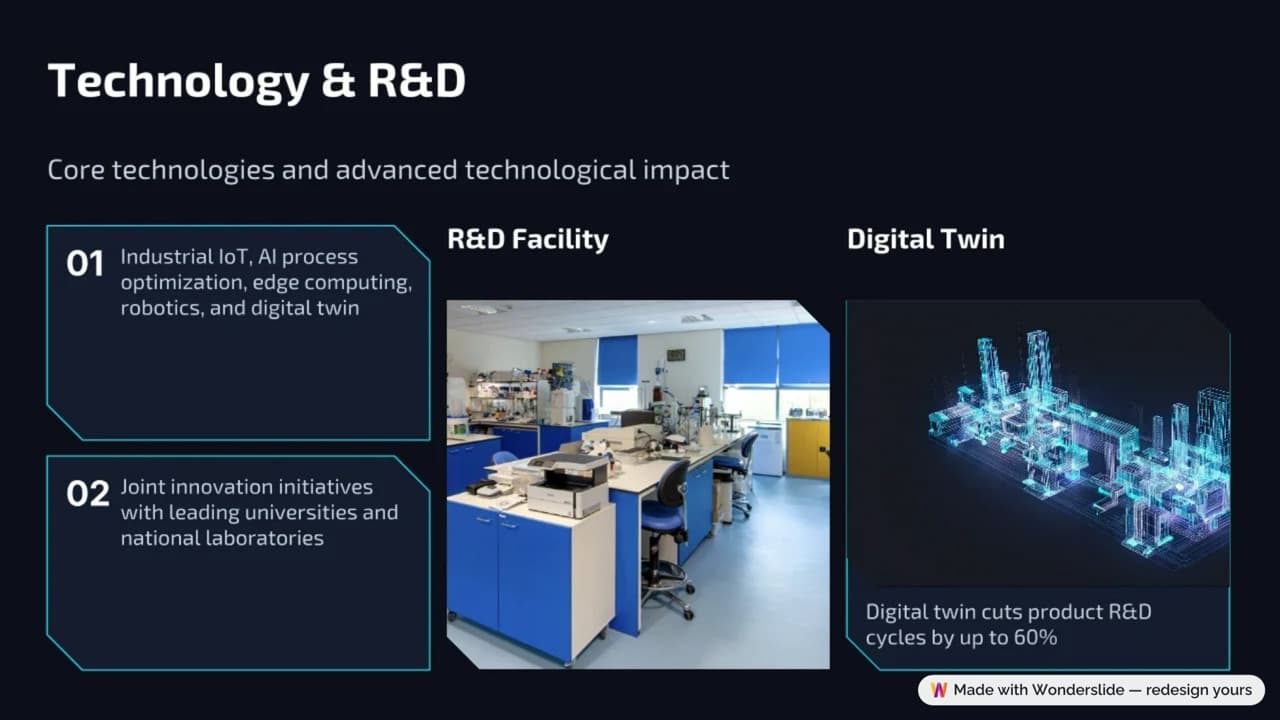
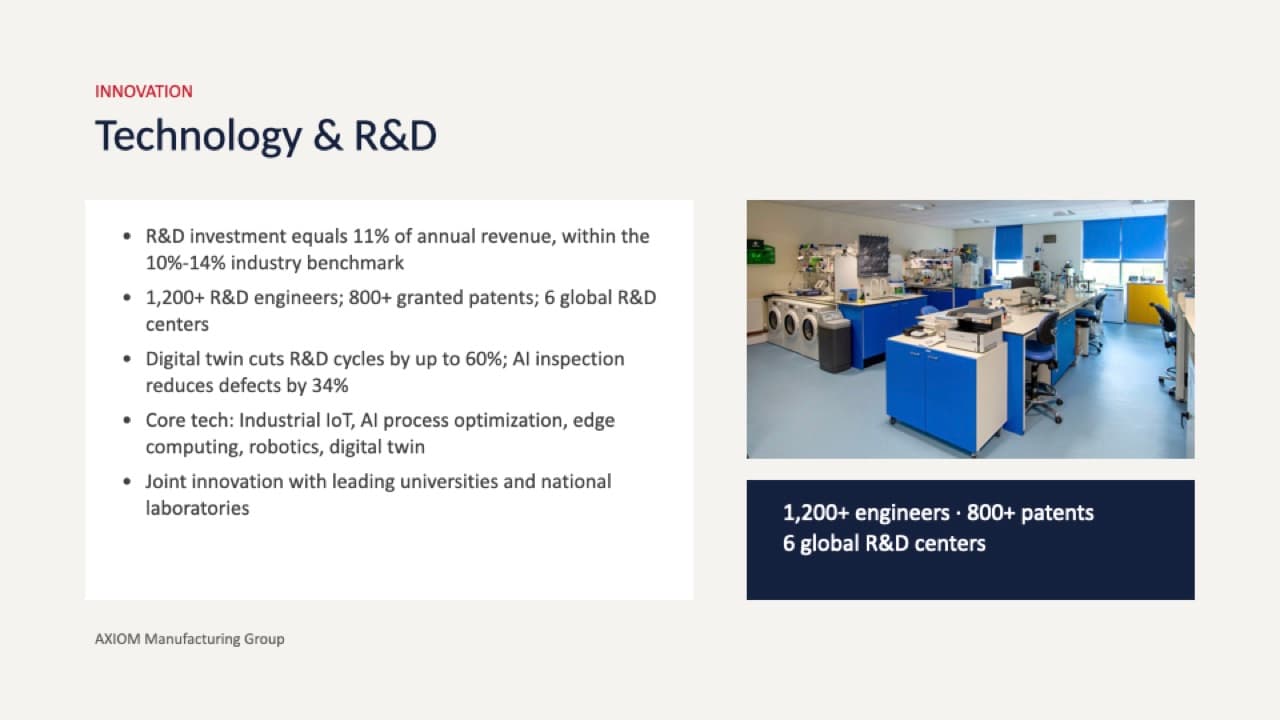
Five bullets packed with figures — 11% of revenue, 1,200+ engineers, 800+ patents, 6 R&D centers, 60% faster cycles, 34% fewer defects — plus one lab photo.
Manufacturing system
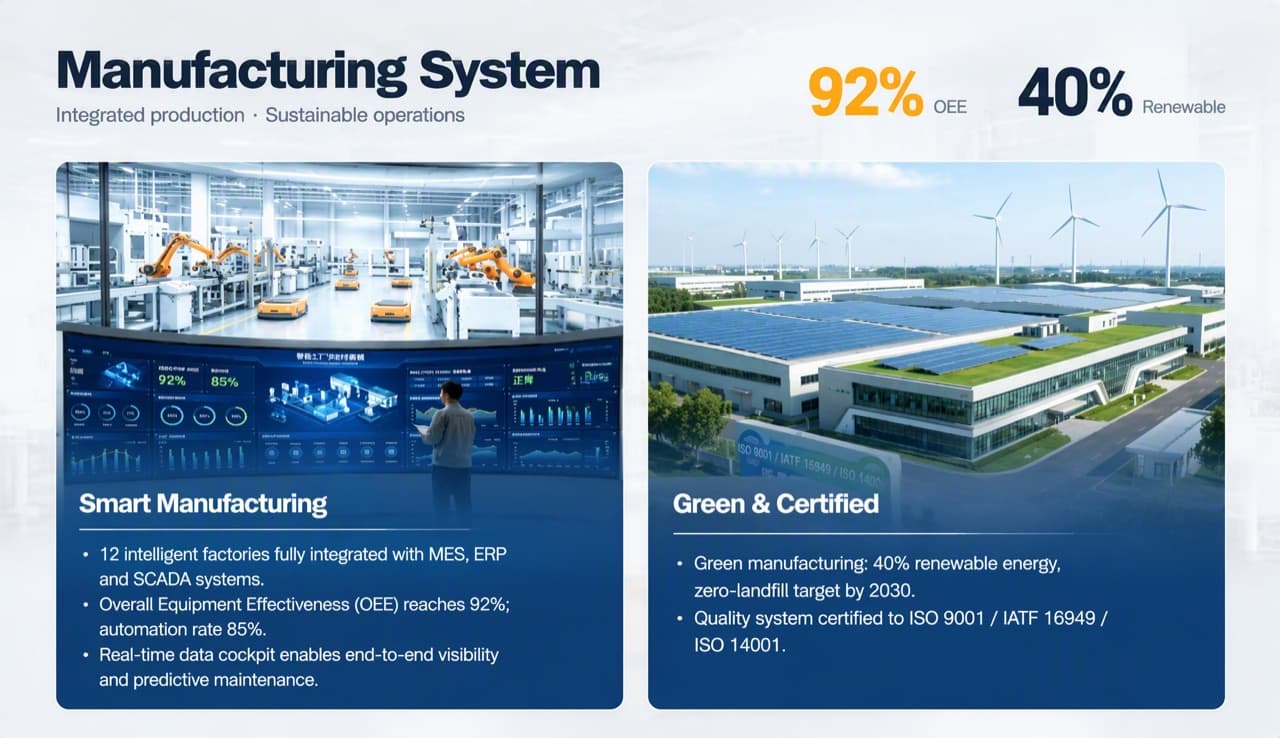
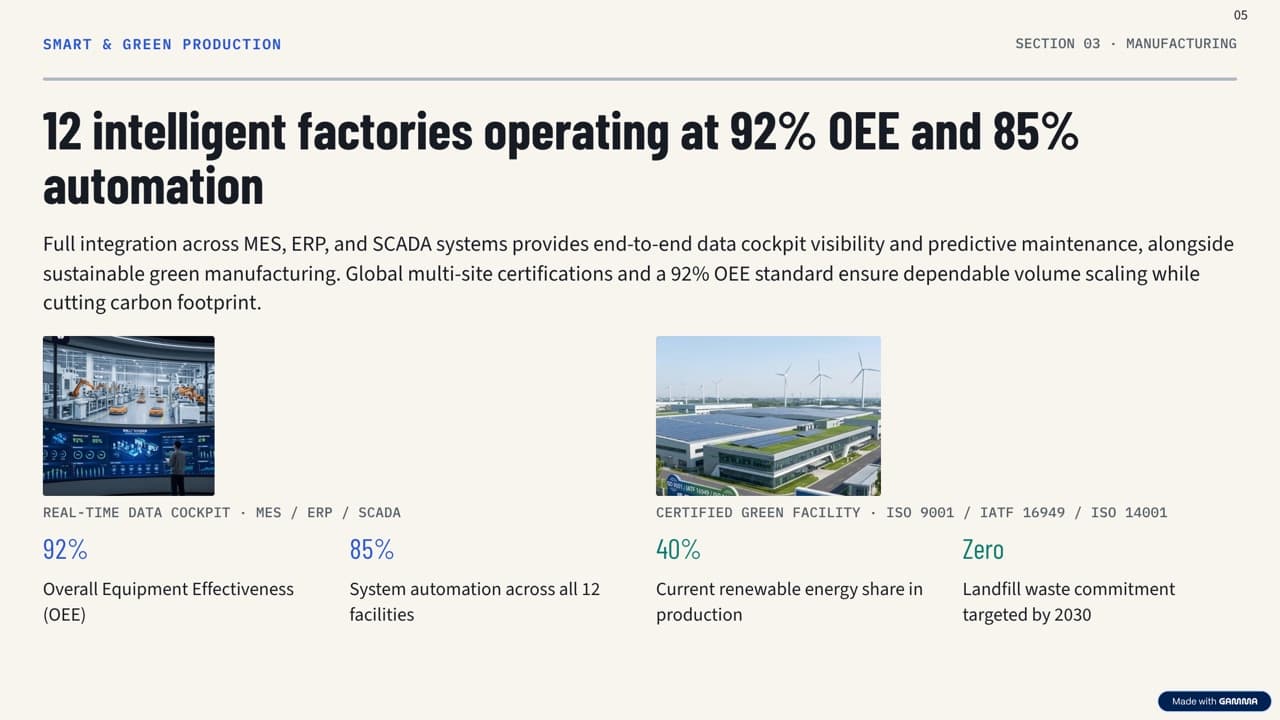
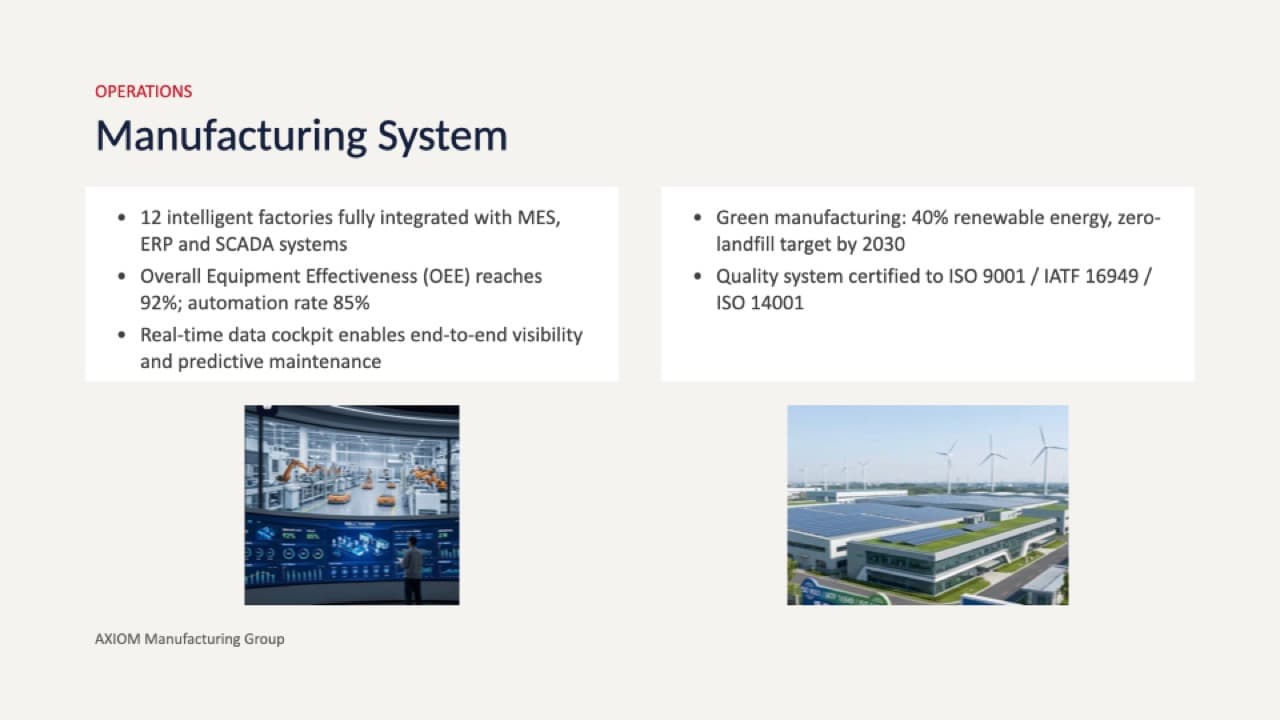
Five bullets and two photos. This is Wonderslide's strongest slide in our test.

What each tool kept on the data-heavy slide
We checked every fact on the Technology & R&D slide against the original.
| Fact in the original | BetterPPT | Gamma | Wonderslide (Improve) | Plus AI |
|---|---|---|---|---|
| R&D spend = 11% of revenue | Kept | Kept | Dropped | Kept |
| 10%–14% industry benchmark | Folded into the title, number not shown | Kept | Dropped | Kept |
| 1,200+ R&D engineers | Kept | Kept | Dropped | Kept |
| 800+ granted patents | Kept | Kept | Dropped | Kept |
| 6 global R&D centers | Kept | Dropped | Dropped | Kept |
| Digital twin: R&D cycles up to 60% shorter | Kept | Kept | Kept | Kept |
| AI inspection: 34% fewer defects | Kept | Kept | Dropped | Kept |
| Core technology list | Kept | Kept | Kept | Kept |
| Joint innovation with universities and labs | Kept | Kept | Kept | Kept |
Two different risks showed up. Wonderslide's “Improve and refine” mode removed figures — the About Us slide also lost the 18,000+ employees and USD 4.2B revenue — but with “Preserve exact structure” the numbers stayed. Gamma kept almost every figure but added text of its own: a “So what” line on each slide and a photo label (“Global R&D Center · Shanghai Lab 02”) that isn't in the source. BetterPPT offers three modes at setup — keep every word, allow light editing, or allow restructuring; whichever tool you use, re-read the slides before you present.
Which one should you use?
Gamma
Best if you want a strong result fast and plan to keep editing in the browser. The built-in editor is the best of the four. Check every headline and summary line it writes.
BetterPPT
Best for decks that matter — a client pitch, an investor meeting, a board update — where the slides need to look designed rather than templated and your photos need work. It costs more, takes longer, and you edit in PowerPoint, not in the browser.
Wonderslide
Best if budget matters most: $4.99 and a few minutes for a bold, consistent look, and you can see the whole deck (watermarked) before paying. Choose “Preserve exact structure” if your figures must stay.
Plus AI
Best if you want to stay close to the original and keep working in PowerPoint or Google Slides. It's the safest for wording, but the visual change is modest.
More on how BetterPPT and Gamma differ: BetterPPT vs Gamma →
Questions
Which AI tool redesigns an existing PowerPoint without changing the content?
In our test, Plus AI kept the wording as written and BetterPPT kept every figure (and lets you choose “use my text exactly as written”). Gamma kept nearly all figures but rewrote headlines and added its own summary lines. Wonderslide kept the numbers only in its “Preserve exact structure” mode.
Which tools give you an editable PowerPoint file?
BetterPPT includes an editable .pptx with real text boxes. Plus AI exports a native .pptx and Gamma offers PPTX export. Wonderslide's free download is a watermarked PDF; editable PPTX comes with its paid options. Gamma, Wonderslide and Plus AI also let you edit inside their own editors; BetterPPT does not.
What's the cheapest way to redesign one deck?
Wonderslide at $4.99 per deck, or Gamma's free plan if its one-time credits cover your deck. Plus AI is a monthly subscription from $15. BetterPPT is $39 per deck (up to 30 slides) — priced against hiring a designer rather than against other AI tools.