Put the separate decks into one file, upload it once, fill in the brief once and choose one style — then every slide is designed to the same system instead of to each author's own template. BetterPPT is an AI design agent built on a designer's ten years of experience, strongest at imagery and layout: it redesigns every slide individually, but applies one style across the whole file. In our test, a 30-slide teaching deck merged from separately written parts came back in a single soft clay-and-teal style; five of its slides are below, before and after, with their text carried over as written. The merged file is priced as one deck — $39 for up to 30 slides, $59 for 31–50 — not once per author.
- 01
Let everyone write the content, then merge it into one file
Mixed fonts, sizes and colors come from every author formatting their own slides. So don't ask people to match each other's template — ask each of them to finish their content and stop formatting. Then put all the slides into one .pptx, in the order the audience will see them. Plain copy and paste works; PowerPoint's Reuse Slides is another way. Add a title slide at the start of each person's or department's section: it helps the audience, and it shows you where to cut later if everyone needs their own file. BetterPPT takes .pptx files of up to 50 slides and 50 MB.
- 02
Upload once and fill in the brief once
On the setup page you describe the audience, the occasion and what you need — once, for the whole file — and choose how much the text may change: keep every word, allow light editing, or allow restructuring. If someone has already signed off the wording — an inspection pack, a tender response, a regulated claim — choose keep every word. If the parts are in very different shapes and you want them evened out, light editing shortens wordy sentences without changing the meaning; restructuring may cut, merge and reorganize slides.
What each content mode changes, with real examples → - 03
Choose one style, and every slide follows it
This is a real deck: 30 slides of a primary-healthcare teaching presentation, merged from parts that had been written separately, uploaded as one file with one brief and one style. The preview redesigned its first six slides, and the style holds from the first to the last — the same type, the same teal, the same rounded clay-style icons. Five of them are below. In these five slides the text is carried over as written (we compared them line by line): the two questions on the case slide became two bullets, and what changed is layout, icons and one added AI-generated image. The title slide, not shown, gained a small “PHC” mark and a repeated subtitle that weren't in the original — so check what was added, not only what is missing.
Before: objectives as plain bullets 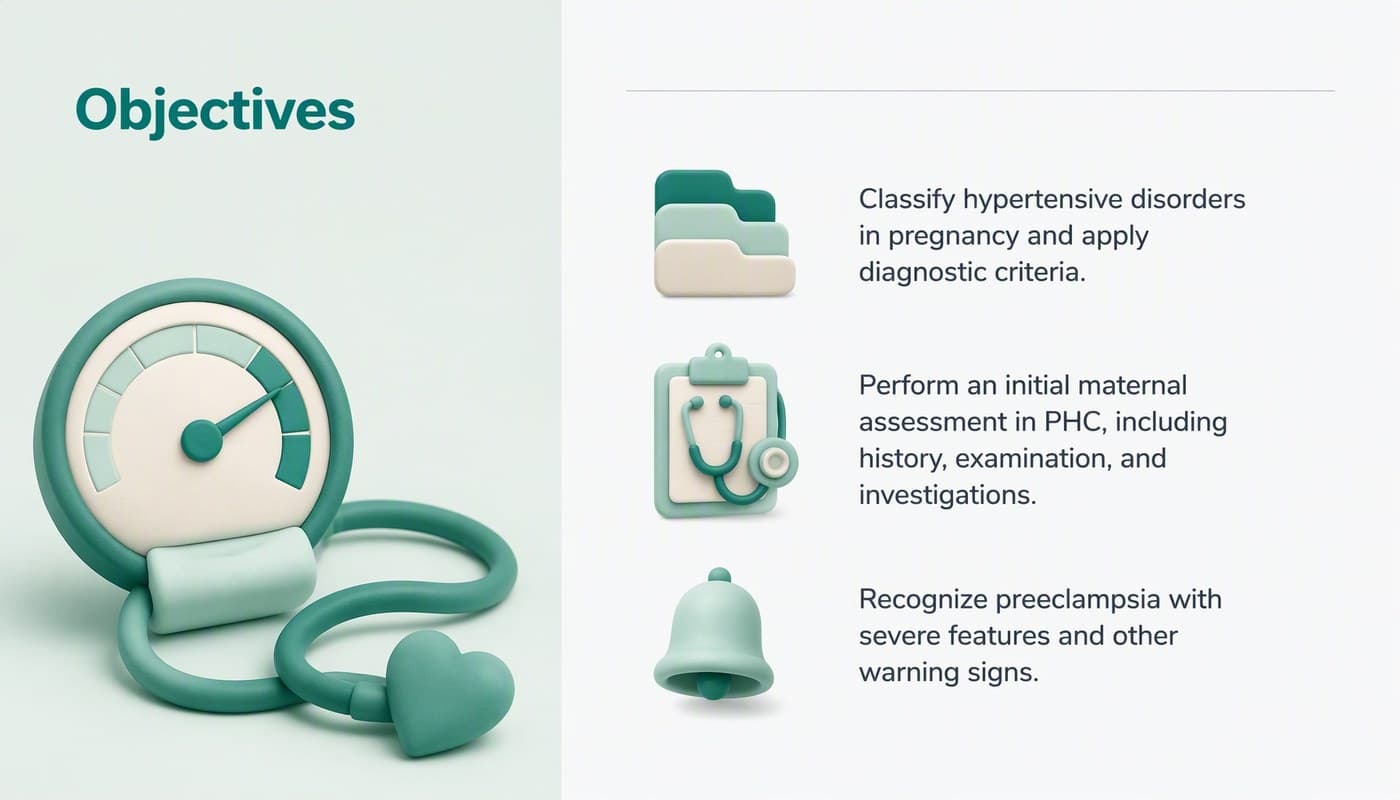
After: the same three sentences, one icon each 
Before: four terms in a bullet list 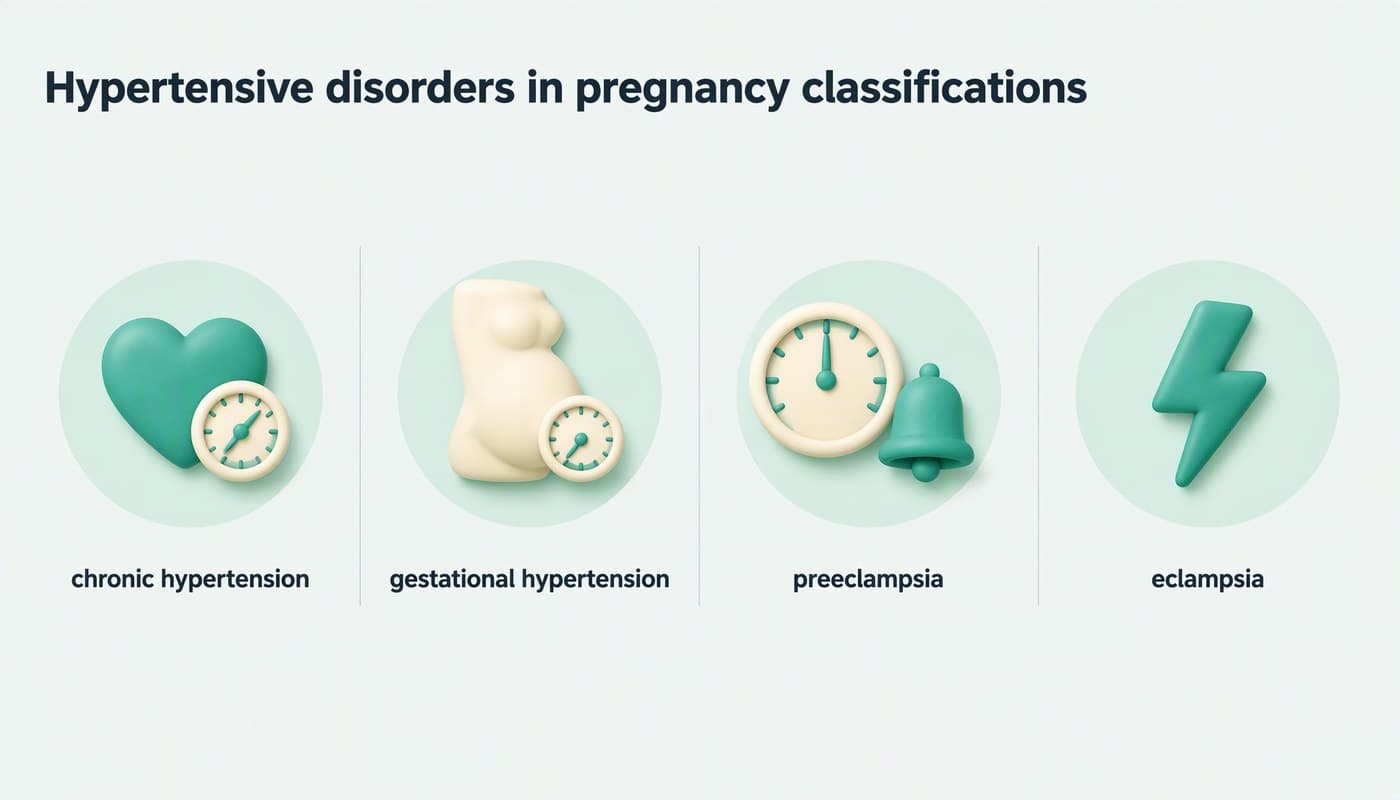
After: the same four terms, one icon each 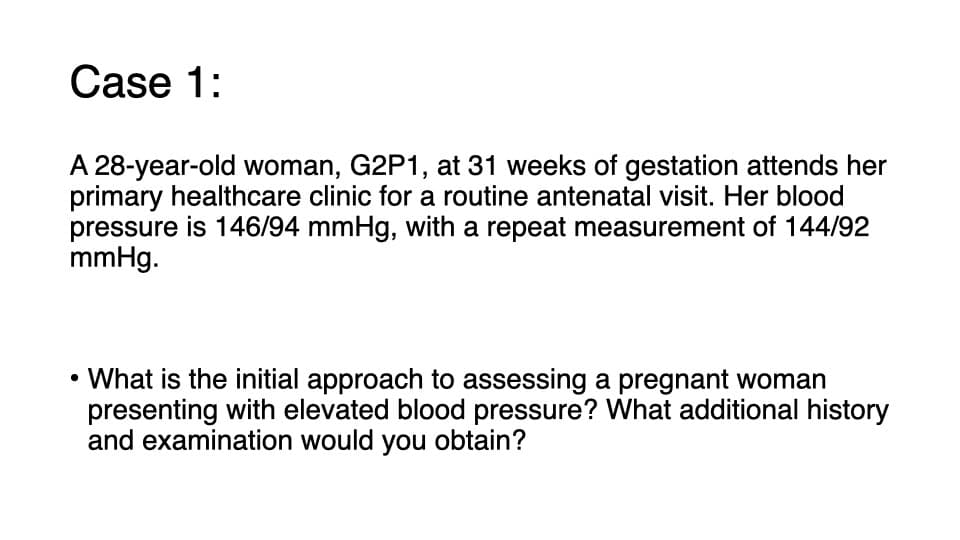
Before: Case 1, text only 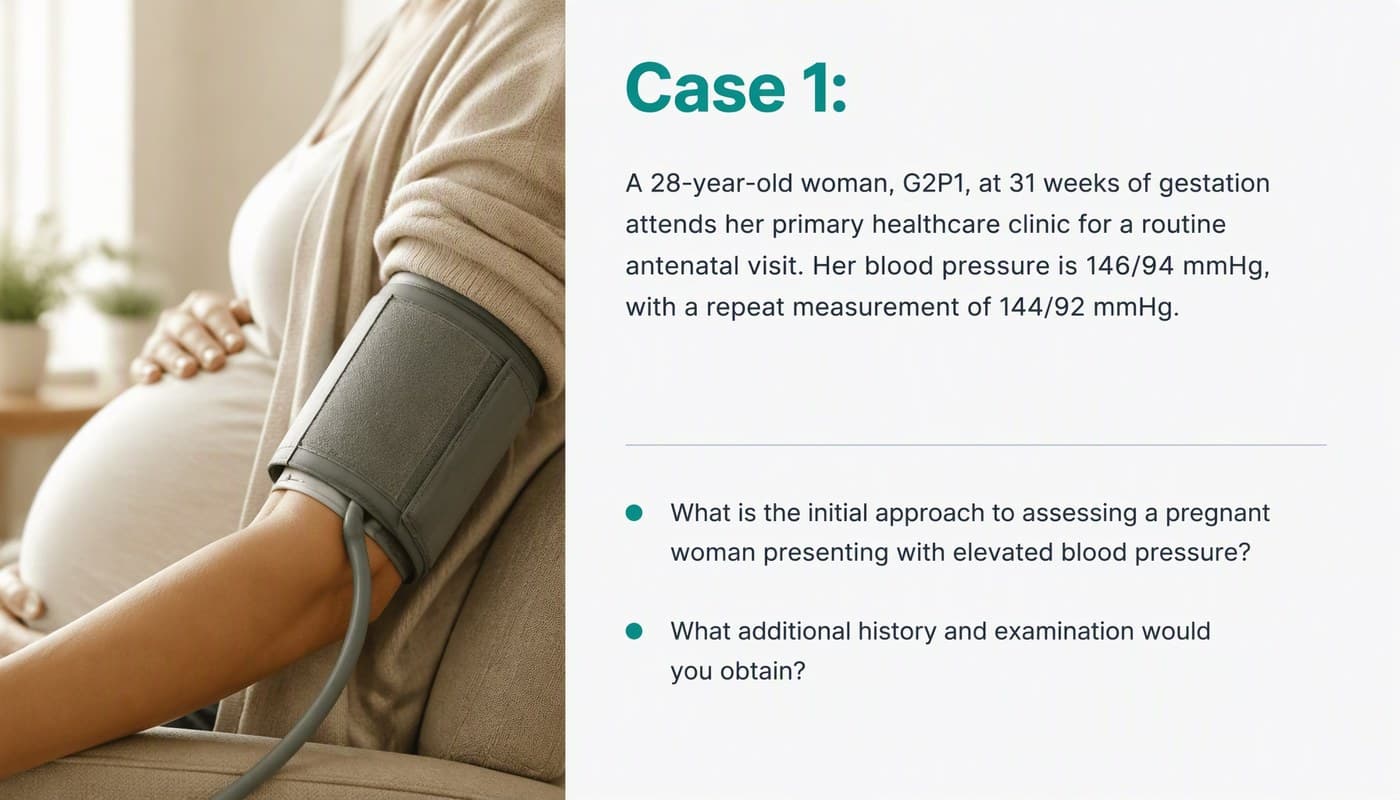
After: the same text and figures, a generated image added, the questions as two bullets 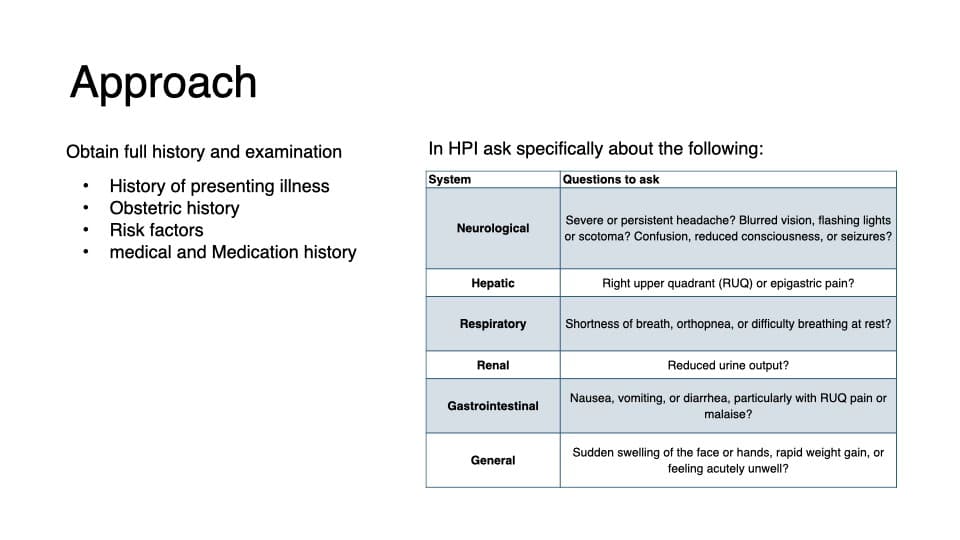
Before: a small table in the template's default look 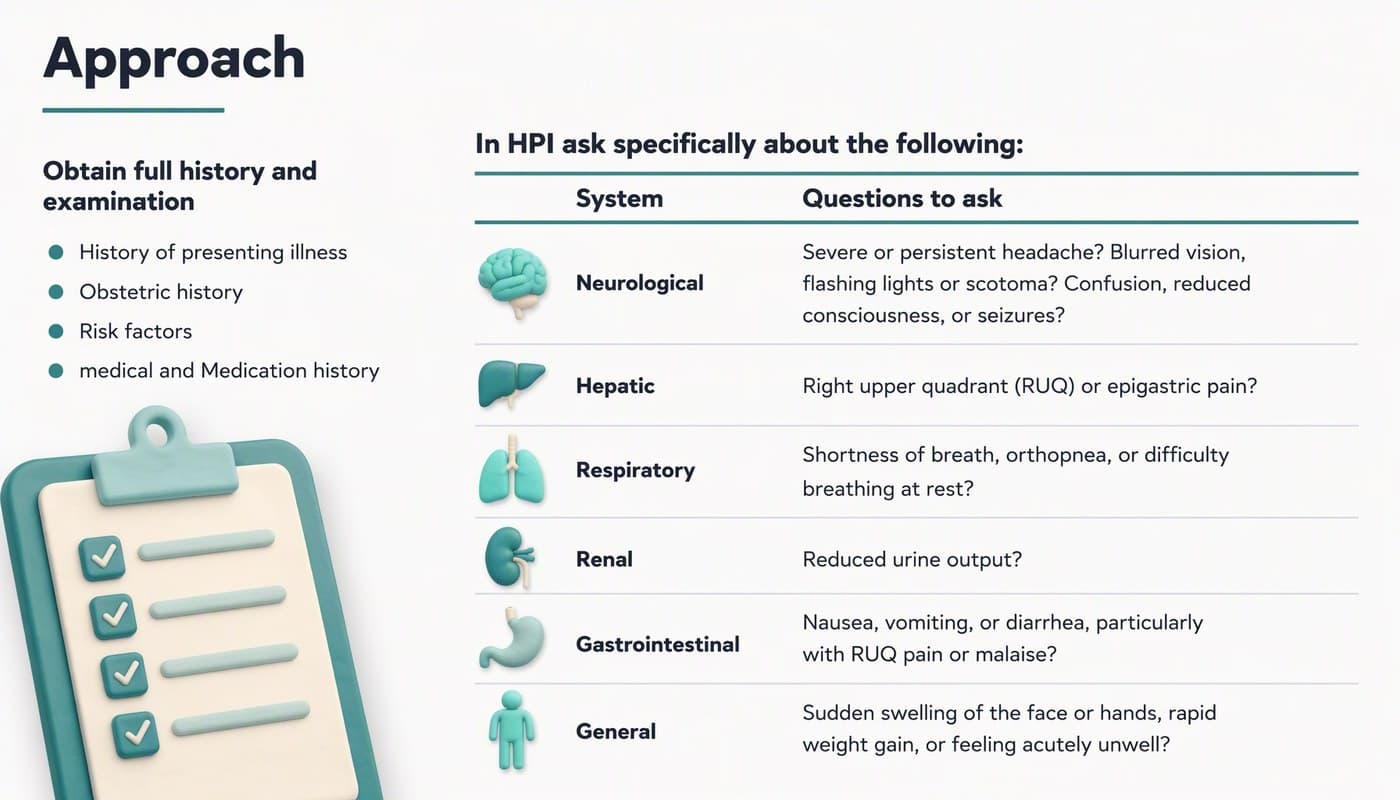
After: the same six rows and questions, an organ icon for each system 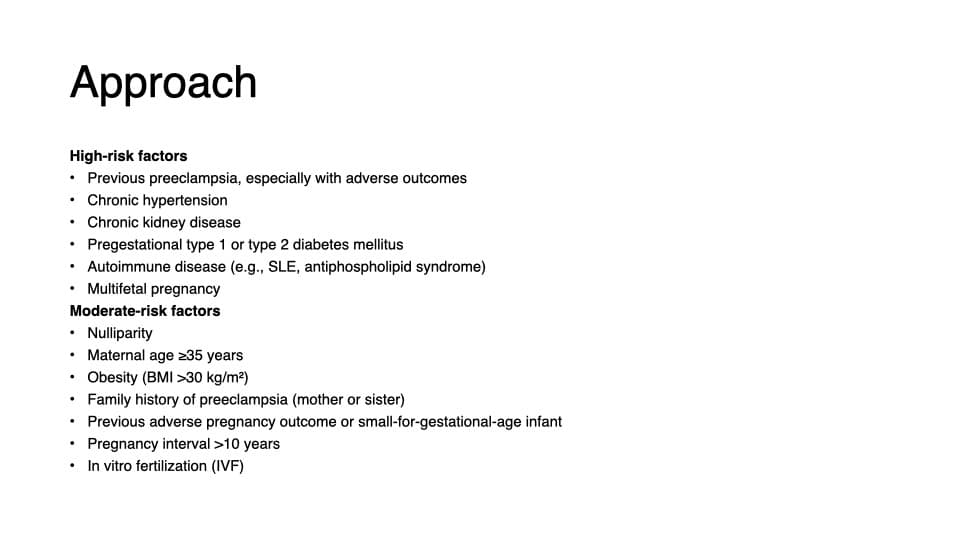
Before: risk factors in small type 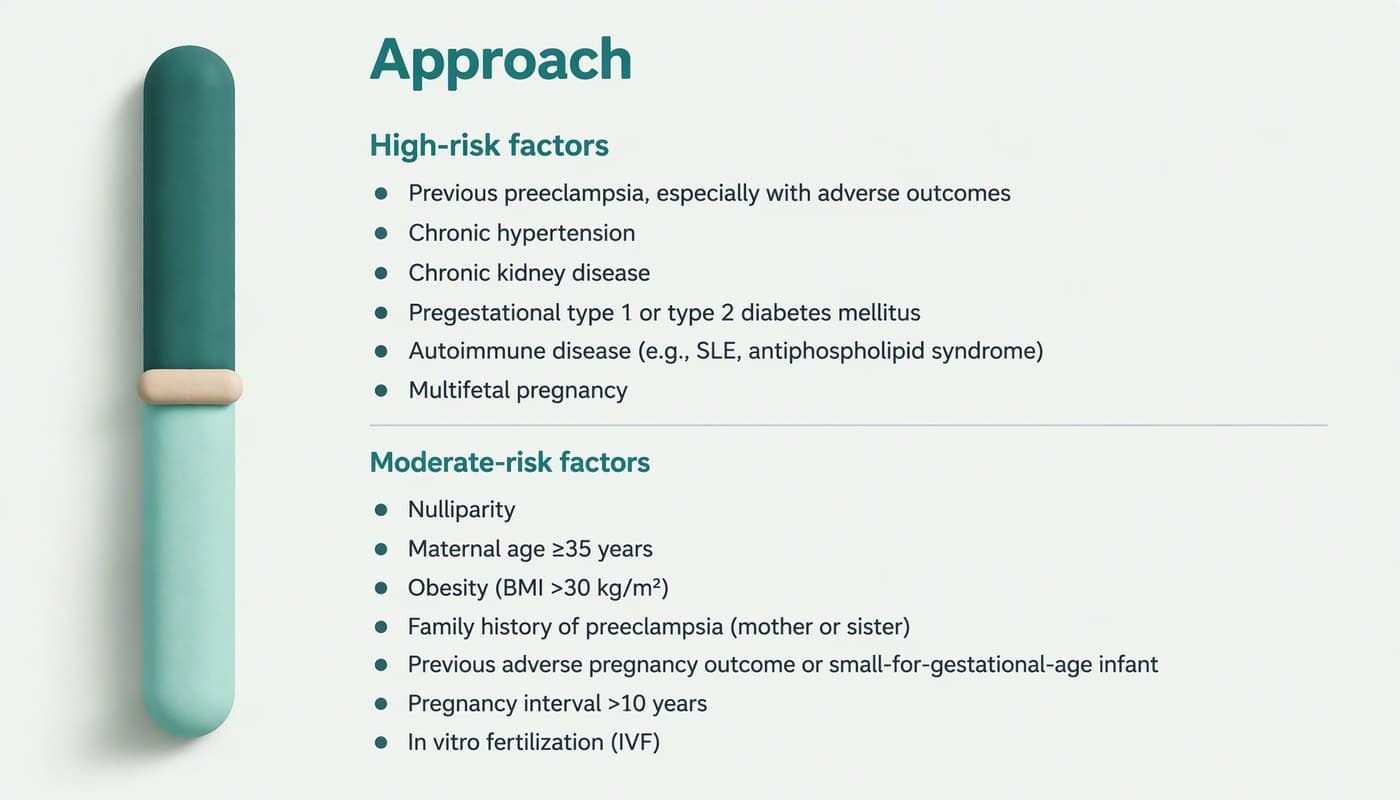
After: the same two lists, larger type, clear hierarchy - 04
Compare slides from different sections before you accept it
Open the preview and put slides from different sections side by side: title size and position, body font, colors, icon style. Then check the content. In keep-every-word mode, tick off every figure, name and qualifier against the original, including chart labels. If you chose restructuring, slides can be cut or merged, so the slide count and order may change.
How to check the result in ten minutes → - 05
Split it back into separate decks, if you need to
You get back one editable .pptx with real text boxes (plus an HD image version). If each person needs their own file, copy their section's slides into new files in PowerPoint, starting from the title slide you added. This is simplest when the slide order is unchanged, so mark each section's first slide before you upload.
- 06
What it costs, and where it stops
The merged file is one deck to us: $39 for up to 30 slides, $59 for 31–50. It is not a price per author, and there is no volume discount. For comparison, 24Slides lists a redesign at $28 per slide on a 72-hour turnaround, or $43 per slide in 24 hours (its pricing page, checked 2026-10-23) — about $840 to $1,290 for 30 slides — and Slidebean lists $799 to redesign an existing deck of up to 20 slides (checked 2026-10-23); both use human designers. BetterPPT is an AI design agent: about 15–20 minutes for 30 slides, and no in-browser editor — you edit the returned .pptx in PowerPoint. A refundable $9.90 deposit shows you up to six of your slides first. Above 50 slides you would upload in batches; we haven't tested how closely separate batches match each other, so put the first slides of each batch side by side before you commit.
- 07
For hospitals and clinics: take out patient details first
Before you merge, remove patient names, record numbers and identifying dates, and for case slides use de-identified or teaching cases. BetterPPT has no HIPAA, business-associate or NDA arrangements, and it sends slide content to external AI models to redesign it; unpaid decks are deleted automatically after 3 days. If your hospital's policy forbids sending documents to a third-party AI service, don't upload — no tool can change that for you.
Is it safe to upload a confidential deck? → - 08
Who BetterPPT is for — and who it isn't
BetterPPT is an AI design agent that redesigns PowerPoint decks you've already written — every slide individually — and returns an editable .pptx. It's for decks where a lot is riding on it — an inspection pack, an investor meeting, a conference with several speakers, a board update — where the content is ready and the slides just need to look like one piece of work. It isn't for a class assignment or a routine team update: free tools like PowerPoint Designer or Canva's free plan are enough for those. It's paid: $39 for up to 30 slides, with a $9.90 refundable deposit to preview up to six of your slides first.
How AI redesign of an existing deck works →
Questions
How do I make decks from different people look consistent without hiring a designer?
Ask everyone to finish their content without formatting, merge all the slides into one .pptx, and have an AI design agent redesign the whole file in one style. With BetterPPT that means one upload, one brief and one style choice, and the same type, colors and icon style carry from the first slide to the last. It's $39 for up to 30 slides in total.
Do the decks have to be merged into one file?
For this method, yes: one file means one brief and one style, so every slide is designed to the same system. You can upload decks separately and enter the same choices each time, but we haven't tested how closely separate uploads match each other, so compare them side by side if you do.
Will it change my colleagues' wording?
Only as much as you allow. “Keep every word” carries the text over as written; “allow light editing” shortens wordy sentences without changing the meaning; “allow restructuring” may cut, merge and reorganize slides. For approved or inspected content, choose keep every word and check the result against the original.
How much does it cost for several decks?
A merged file is priced as one deck: $39 for up to 30 slides in total, $59 for 31–50, one-time with no subscription and no volume discount. A refundable $9.90 deposit lets you see up to six redesigned slides before you pay the rest. The upload limit is 50 slides and 50 MB per file.
Can I get separate files back for each person?
You get one editable .pptx back. Copy each person's slides into their own file in PowerPoint — easiest when each section starts with a title slide and the slide order is unchanged.
Can I use it for hospital decks that contain patient information?
Remove patient names, record numbers and identifying dates first, and only upload if your hospital's policy allows sending documents to a third-party AI service. BetterPPT has no HIPAA, business-associate or NDA arrangements; unpaid decks are deleted automatically after 3 days, paid decks are kept for 1 year, and you can delete any deck yourself at any time.
Bottom line
If several people made their own slides, don't make them match a template — merge the decks, upload once and choose one style. BetterPPT redesigns every slide individually and returns an editable .pptx, and a refundable $9.90 deposit shows you up to six of your own slides before you pay the rest.