A property leasing deck, or what Chinese developers call a 招商 deck, has one job: make a prospective tenant want to visit. Give each selling point its own slide, lead with one large image of the place, and turn lists of amenities into four or six short tiles. The slides below come from a real bilingual (Chinese and English) deck for an industrial park, redesigned with BetterPPT: a contact slide, a dormitory slide and a rooftop-garden slide. The wording came back as written, apart from one changed character in an address, which is why the contact slide is the one to check twice. The same approach suits office, retail and residential leasing decks and developer investment decks.
- 01
One selling point per slide, one big image per slide
The original rooftop-garden slide is two bullets and four short paragraphs on a white page, the way many leasing decks are built. The redesign keeps all four points and their English lines, numbers them 01 to 04 in four cards, and gives most of the slide to one wide view of the rooftop. A prospect should be able to say what the slide offers from the title and the picture alone, then read the cards for the detail.
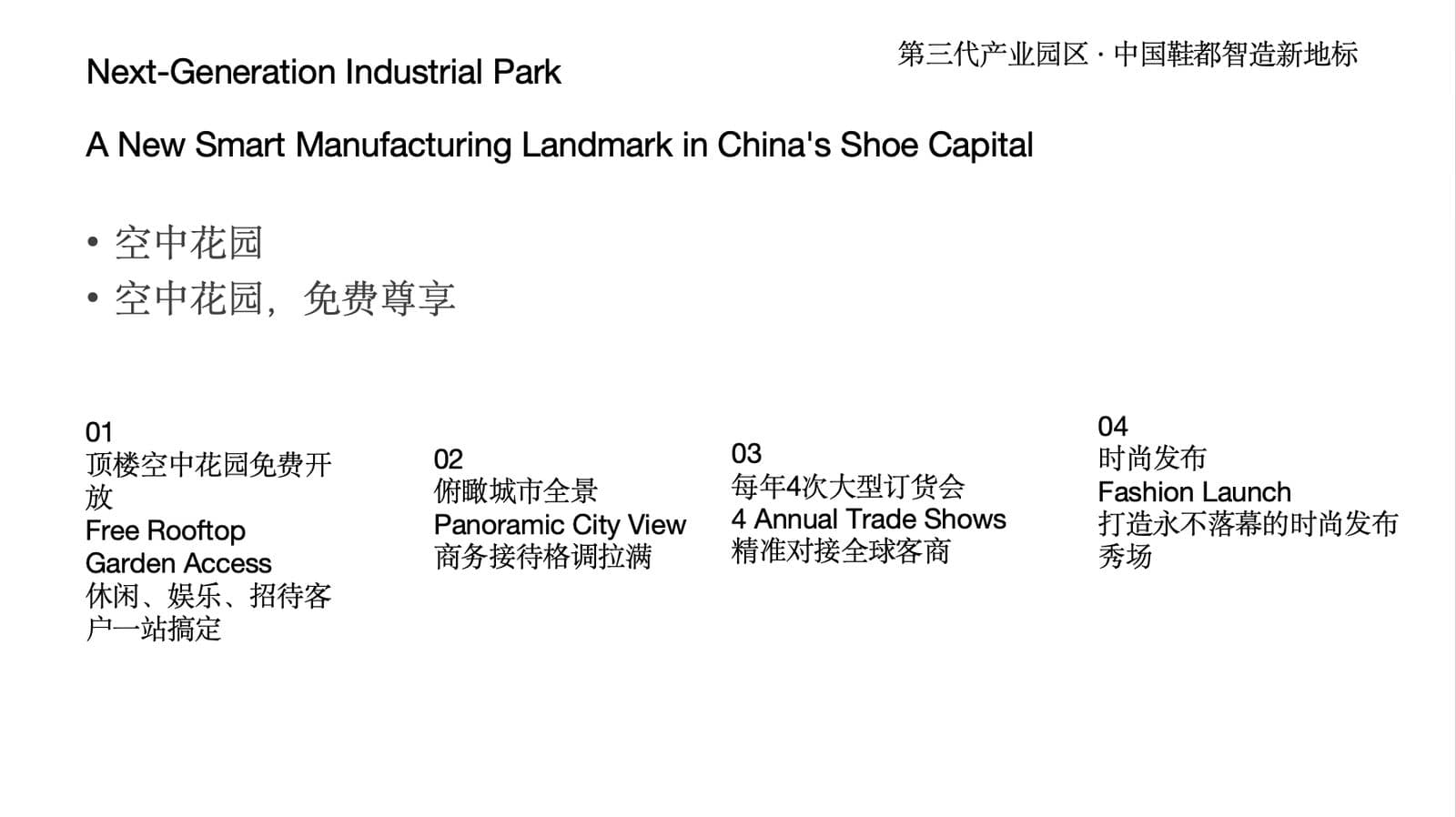
Before: two bullets and four paragraphs on a white page 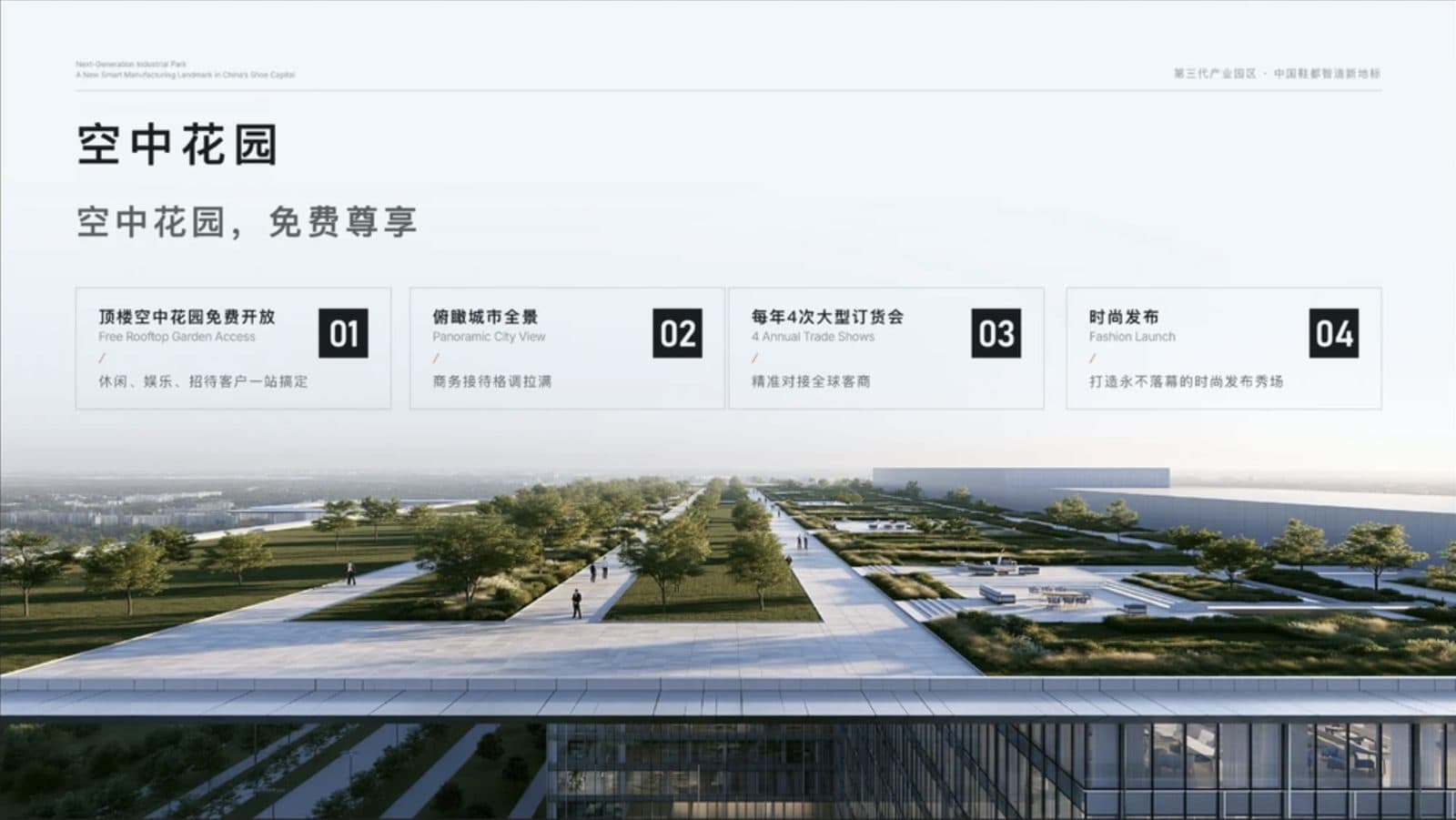
After: a wide rooftop view and four numbered cards, all bilingual lines kept - 02
Turn an amenity list into tiles
The dormitory slide had a bullet pair on the left and eight loose lines on the right. The redesign makes a grid of eight tiles, four dark text tiles with an icon, a title and one line, and four pictures, with the park's slogan at the bottom in Chinese and English. Each tile carries one benefit: closed management, professional operation, dormitory conditions, the staff-housing problem it solves. All the original wording is there.
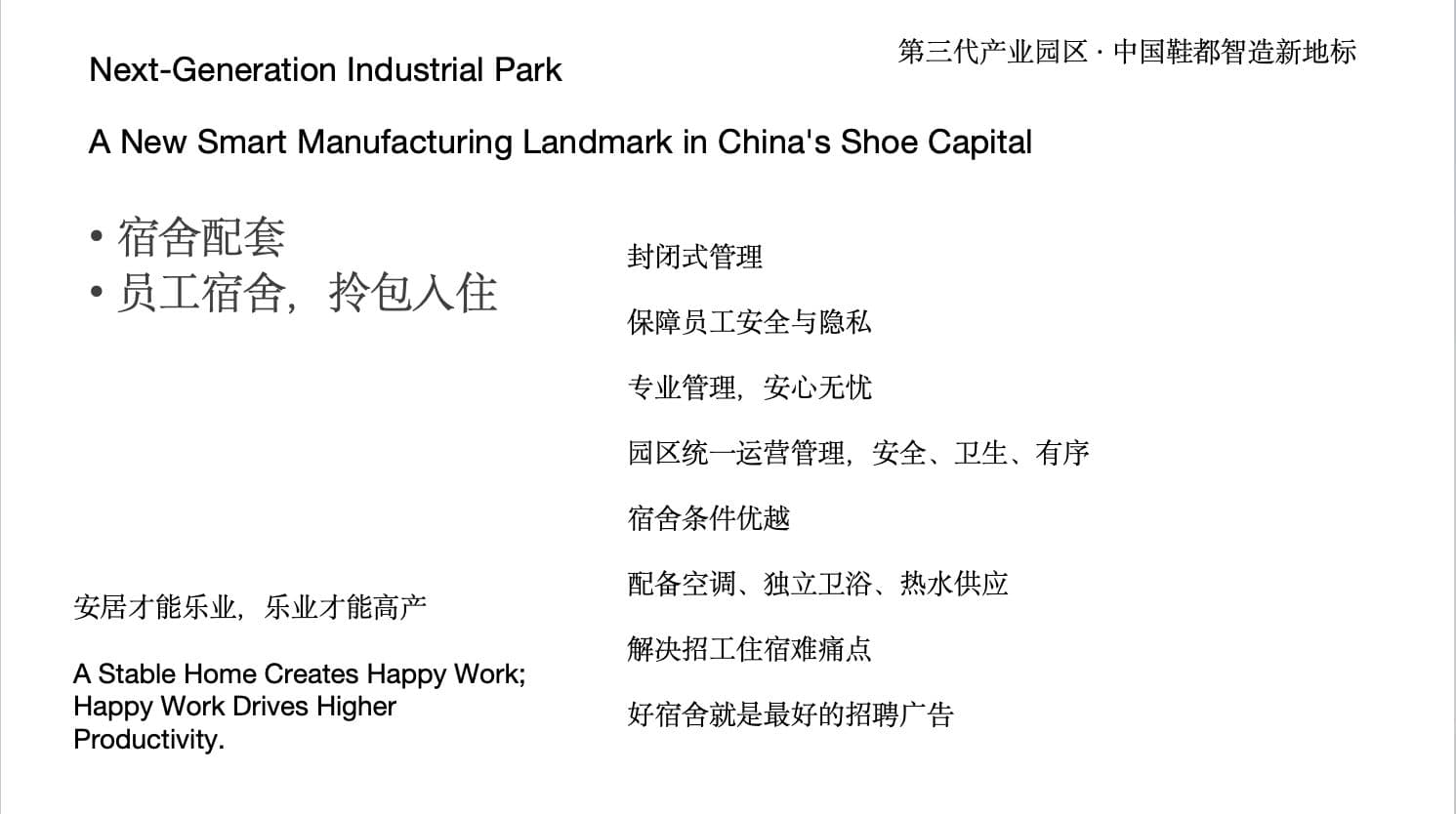
Before: bullets on the left, eight loose lines on the right 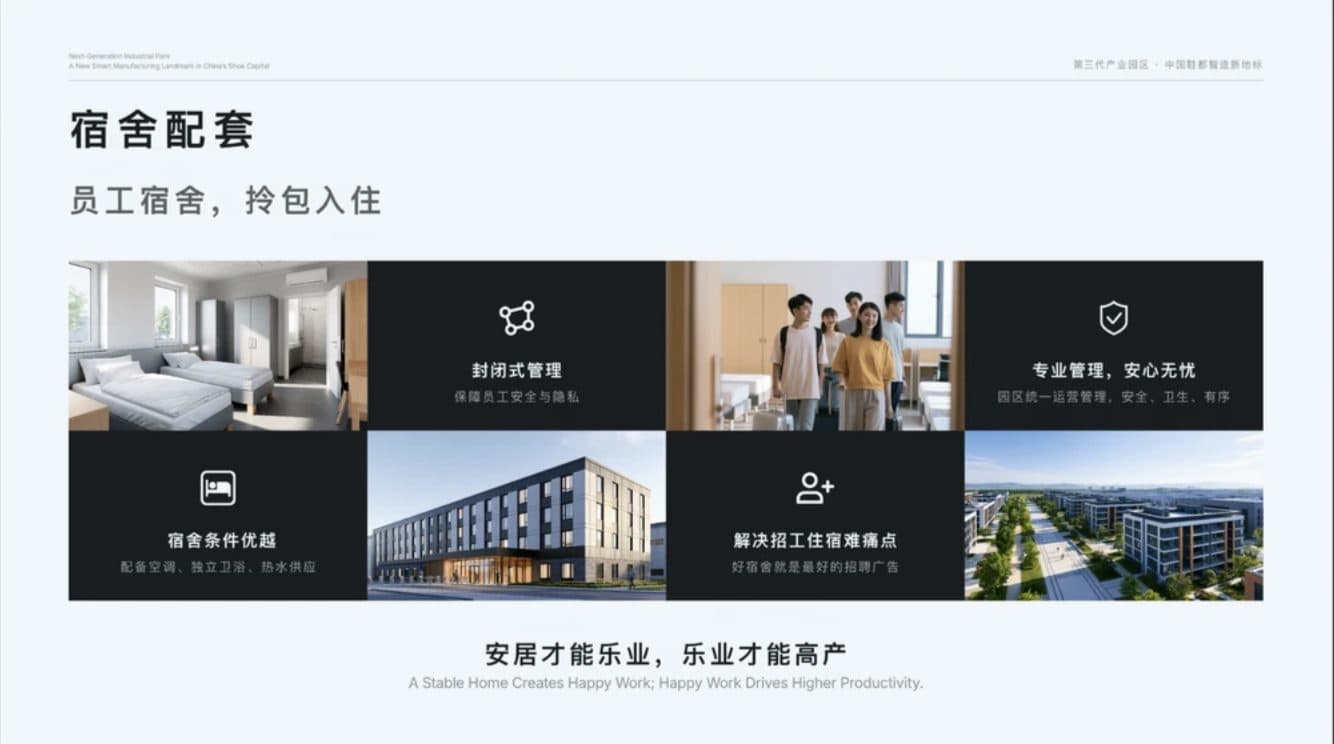
After: four text tiles and four pictures in a grid, slogan kept in both languages - 03
The contact slide: where one wrong character costs you a lead
The contact slide went from a block of text to four labelled cells (address, hotline, email, website) under a full-width image of the building. We compared it with the original: the phone numbers and email were unchanged, but one character in the address had changed, “县” (county) had become “去”, and an English line, “Get in Touch”, had been added. Check every address, phone number, email and website on a leasing deck after any redesign. Contact details in this example are placeholders, and the website was replaced for publication.
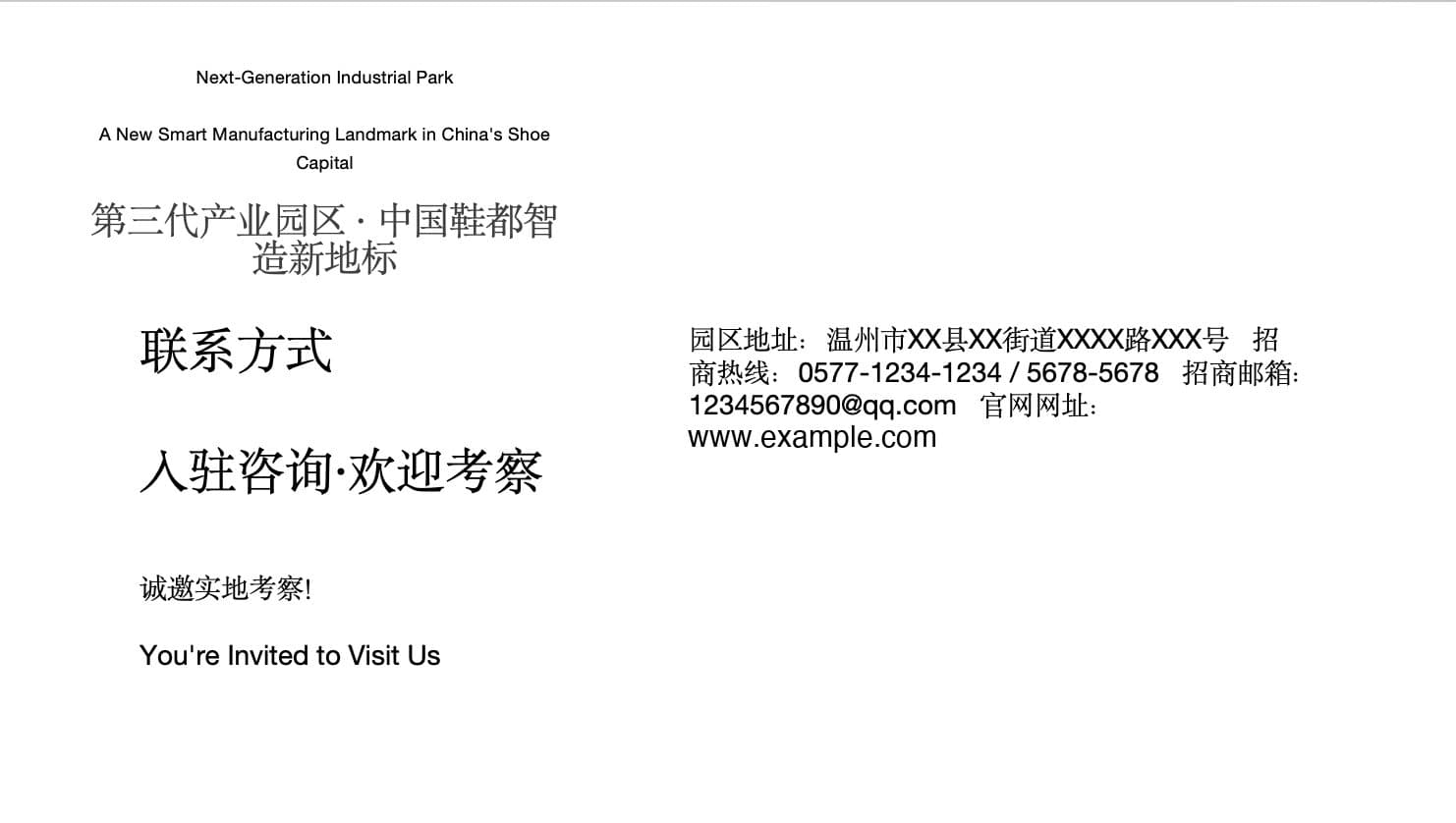
Before: contact details in one text block 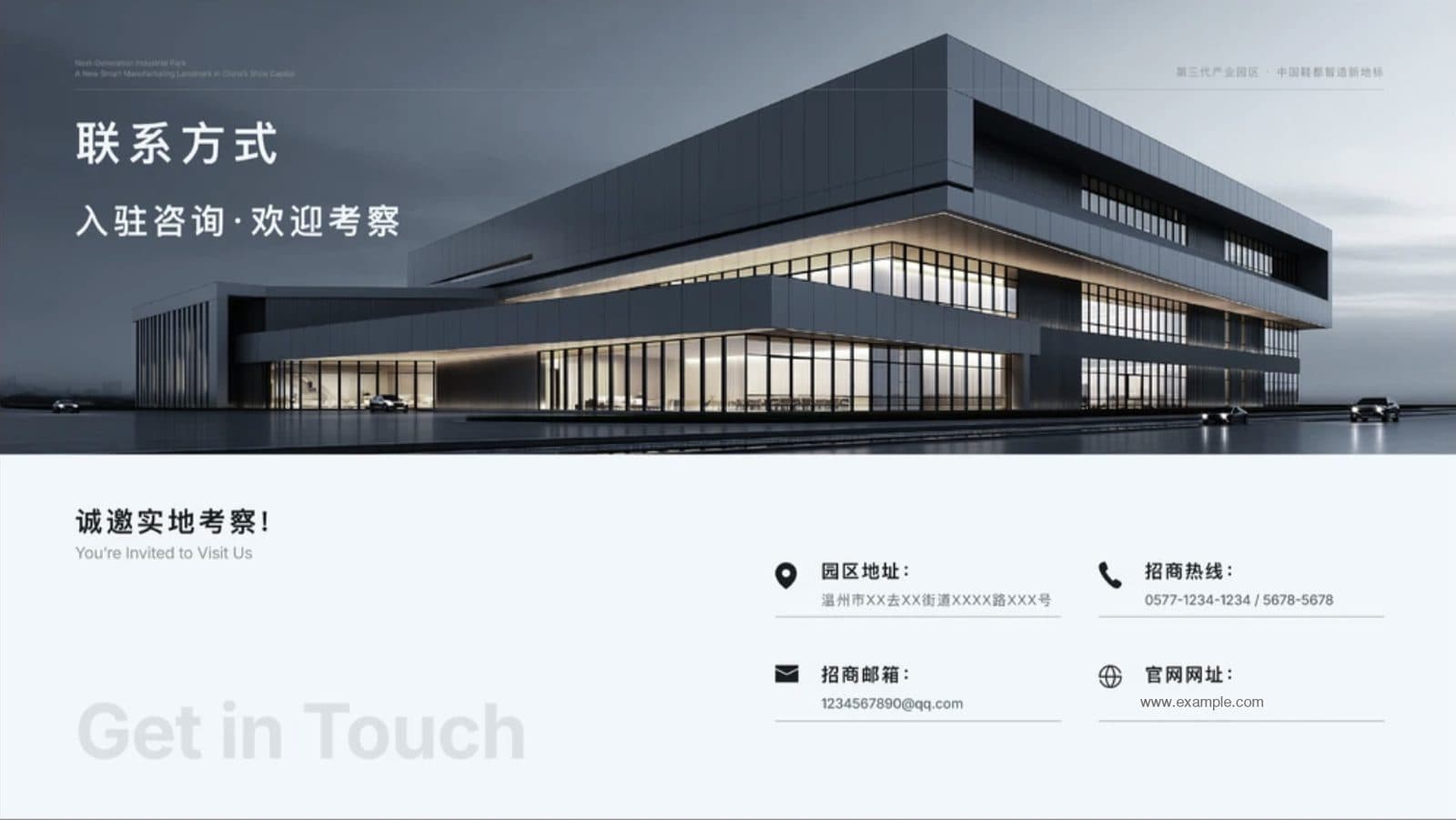
After: four labelled contact cells under a full-width image - 04
Generated pictures show a mood, not your building
The new pictures in these slides, the dormitory room, the residents, the park and the rooftop, are generated. They give the deck atmosphere, but they are not photographs of the property. For a leasing or investment deck, replace them with your own renders and photographs before you send the deck out, so a prospect sees what they will actually get.
- 05
Bilingual slides stay bilingual
This deck carries Chinese and English side by side. BetterPPT keeps the languages of the deck you upload and doesn't translate them, and the English lines in the original (the slogan, the card subtitles) came back in place.
- 06
For listing presentations and developer investor decks
An agent's listing presentation and a developer's investor deck are full of numbers: asking price, comparable sales, cap rate, unit mix, return assumptions. Choose keep every word on the setup page, then compare every figure with your original before you send. Structure the deck the same way as the examples above: the place first, then the numbers, then the next step. If several brokers or partners built the slides, merge them into one file and redesign it in one pass.
Make decks from several people look consistent → - 07
What it costs, and how to try it
BetterPPT is $39 for up to 30 slides and $59 for 31–50, once, with no subscription, about 15–20 minutes for 30 slides. A $9.90 deposit counts toward the price and shows you up to six of your own slides before you pay the rest. If the deck contains confidential financials, we can sign an NDA on request: email support@betterppt.com before you upload.
See how it works → - 08
Who BetterPPT is for — and who it isn't
BetterPPT is an AI design agent that redesigns PowerPoint decks you've already written — every slide individually — and returns an editable .pptx. It is built for business decks where a lot is riding on the result, and where you already have the content. It isn't for a class assignment or a routine team update, where PowerPoint's own Designer or Canva's free plan is enough, and it isn't for a deck of more than 50 slides.
How AI redesign of an existing deck works →
Questions
How do I make a property leasing deck look premium?
Give each selling point its own slide, lead with one large image of the place, turn amenity lists into four to six tiles, and keep contact details in labelled cells. Put the place first, then the numbers, then the next step.
Can AI redesign a leasing or investment deck without changing addresses, phone numbers and figures?
In our example the wording came back as written, apart from one changed character in an address. Choose keep every word and check every address, phone number, email, price and figure against your original before you send.
Does BetterPPT keep Chinese and English on the same slide?
Yes. It keeps the languages of the deck you upload and doesn't translate them; bilingual slides stay bilingual.
Do the generated building and people pictures show my real property?
No. Generated pictures give atmosphere but are not photographs of your property. Replace them with your own renders and photographs before you send a leasing or investment deck.
How much does it cost to redesign a leasing deck?
$39 for up to 30 slides and $59 for 31–50, one-time. A $9.90 deposit counts toward the price and shows you up to six redesigned slides before you pay the rest.
Bottom line
If you have the content and need the deck to make a tenant or investor want to visit, BetterPPT redesigns every slide individually and returns an editable .pptx: $39 for up to 30 slides, with a $9.90 deposit to see up to six of your own slides first.