To make a company profile deck look premium, treat each slide as one claim a client should remember: lead with what you do for them rather than your history, turn your company facts — years, countries, customers, capacity — into two to four large numbers instead of a paragraph, give the cover and contents one strong photo and a clear hierarchy, use your brand color for the focal point only while size, weight and contrast carry the rest, and keep one style from the first slide to the last. Before you send it, check every figure, and keep the file small enough to email: embedded videos and full-resolution photos are usually what makes a profile deck huge.
- 01
Lead with what you do for the client, not your history
Most profile decks open with founding year, milestones and an org chart. A client reads them asking “can they solve my problem?”. Put the answer first: what you do, for whom, and the result — then the history as proof. Write each slide title as the point you want remembered, not a label like “About us”.
- 02
Turn your company facts into big numbers
Revenue, countries, customers, capacity — these are your strongest proof, and they usually hide inside a paragraph. Split the slide into a headline, a number zone and a body zone, and set two to four figures large with short labels. In the logistics company slide below, redesigned in keep-every-word mode, every line of text is unchanged — even the original's grammar — and 450 million, 100+, 2000+ and 20,000 m² became the focal point. The photo was replaced with a new image, and the stray “MUKN” line became the logo on the container: check changes like these before the deck goes to a client.
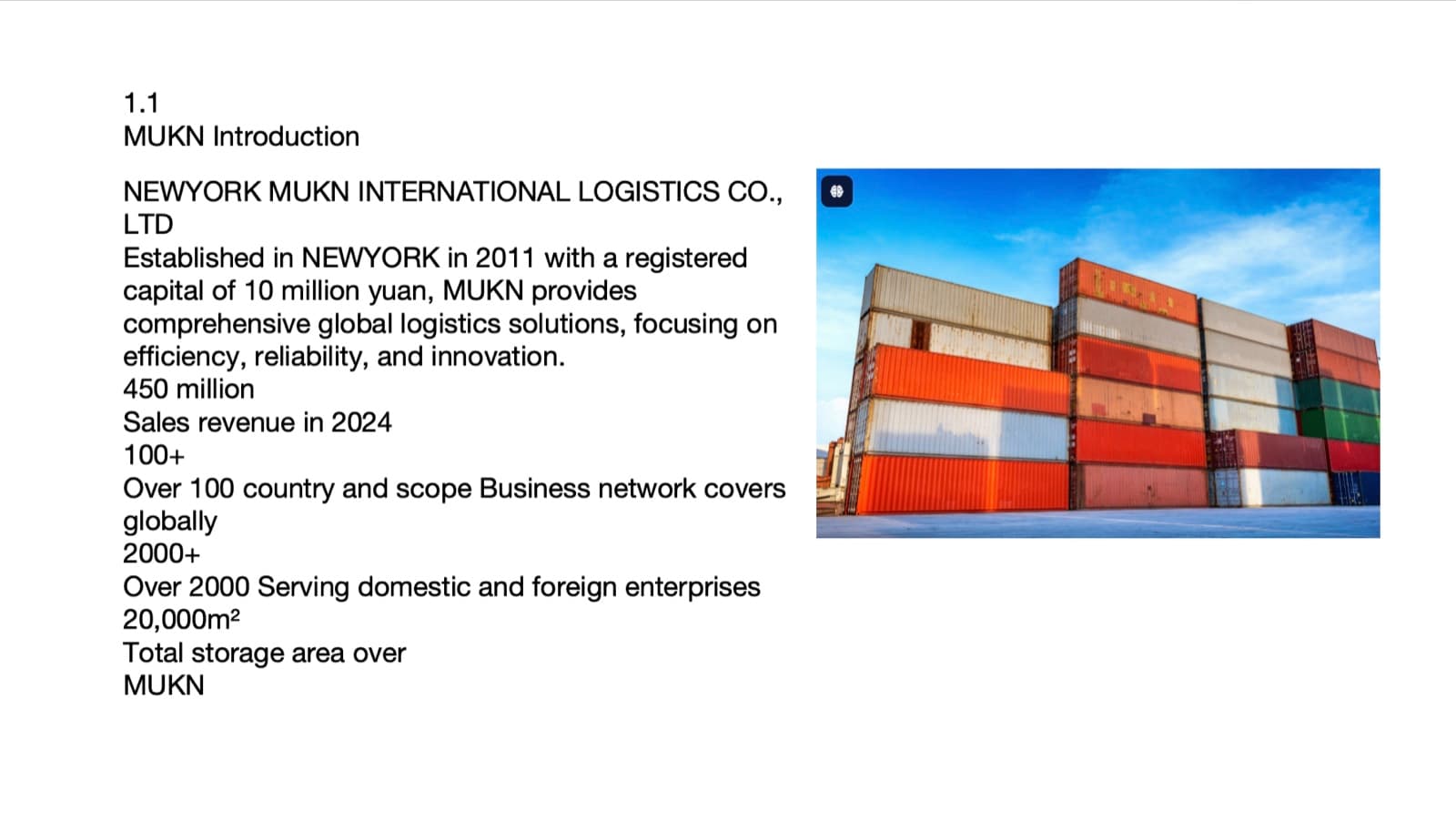
Before: company facts as one long column of text 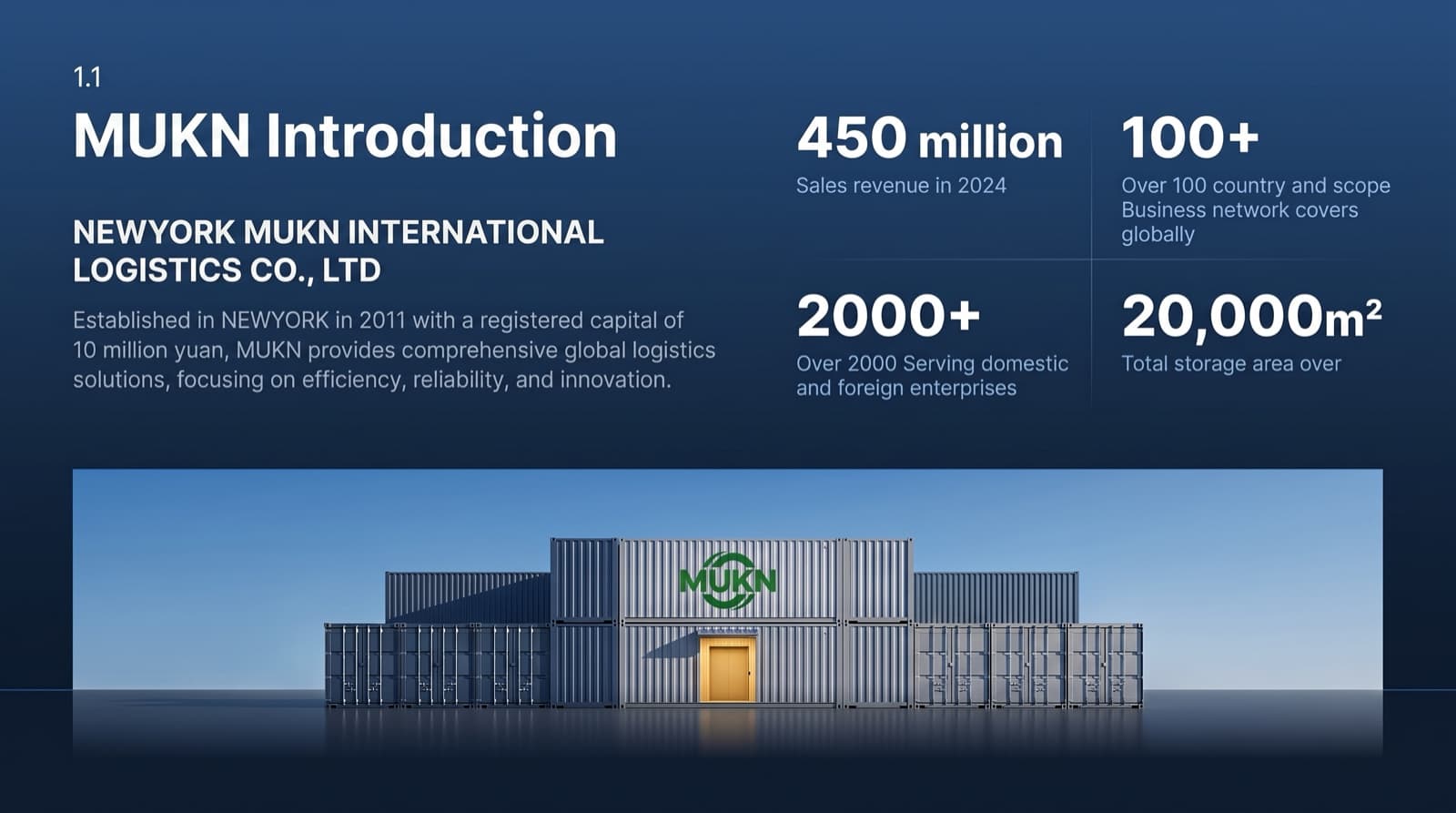
After: same wording, four figures as the focal point, new photo - 03
Make the cover and contents set the tone
The first two slides decide whether the deck feels premium. Use one strong, relevant photo instead of clip art, make the section numbers large, and let the titles step down in size. In the manufacturer's contents slide below, all eight section titles and “AXIOM · 2025” stayed word for word; the redesign added the AXIOM wordmark at the top left and a “01 / 08” page counter.
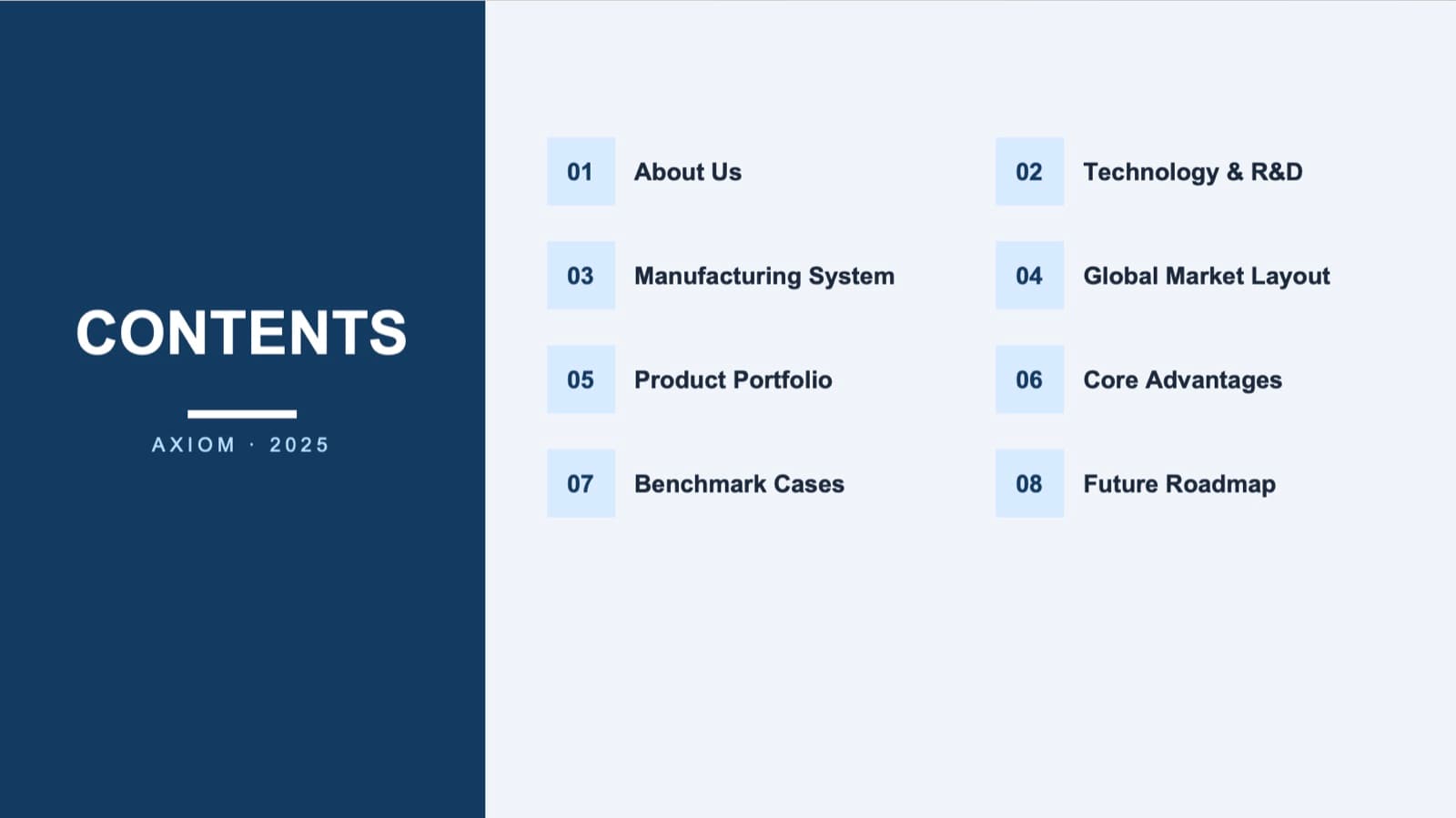
Before: a plain two-column contents slide 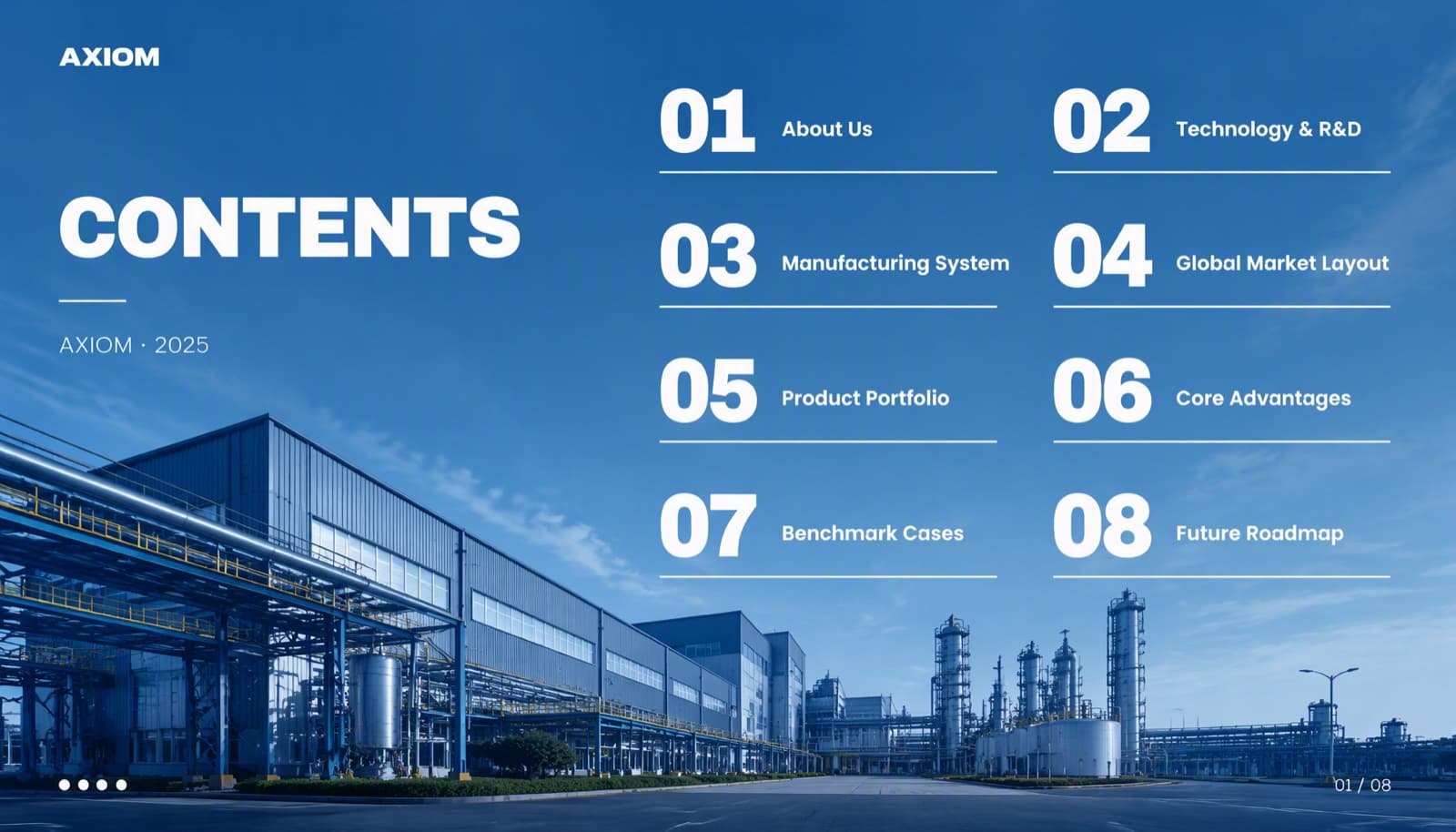
After: same eight titles, large numbers over a factory photo - 04
Use your brand color for the focal point only
Premium decks look calm because color is rare. Our design rules build hierarchy from type size, weight and contrast, and use color only to mark the focal point — the one number or phrase that matters on each slide. If your brand color is everywhere, nothing stands out and the deck looks like a brochure. Keep one font family, two or three sizes, and the same margins and title position throughout.
Why AI-generated slides all look the same → - 05
Who BetterPPT is for — and who it isn't
BetterPPT is an AI design agent that redesigns PowerPoint decks you've already written — every slide individually — and returns an editable .pptx. It's for decks where a lot is riding on it — investor meetings, client pitches, board updates, promotion reviews and conference talks — and a company profile you send to clients is one of them. It isn't for a class assignment or a routine team update: free tools like PowerPoint Designer or Canva's free plan are enough for those. It's paid — $39 for up to 30 slides, with a $9.90 refundable deposit to preview up to six of your slides first — and it accepts .pptx files up to 50 slides and 50 MB.
PowerPoint design service: how it works →
Questions
What should a company profile deck include?
Usually: what you do and for whom, the results or proof (key figures, clients, case studies), how you work, your capabilities or products, and how to get in touch. Lead with the client's problem and your answer to it; put history and the organization chart later, as supporting proof.
Why is our company profile PowerPoint so large, and how do I make it smaller?
Embedded videos and full-resolution photos are the usual cause. In PowerPoint, compress pictures (Picture Format › Compress Pictures, and apply to all pictures), remove embedded videos you don't need in the file, and save a copy. BetterPPT accepts .pptx files up to 50 MB.
Can an AI tool make our company profile look premium without changing our wording?
Yes, if you choose how much it may change. BetterPPT has three modes — keep every word, allow light editing, allow restructuring. In the logistics example above, keep every word left every line of text unchanged, but the photo was replaced and a stray word became a logo, so review every slide before you send it.
What does BetterPPT cost, and what are its limits?
$39 for up to 30 slides and $59 for 31–50 slides, one-time with no subscription; a refundable $9.90 deposit lets you see up to six redesigned slides first. It costs more than subscription tools and has no in-browser editor — you edit the returned .pptx in PowerPoint. It accepts .pptx files up to 50 slides and 50 MB.
Bottom line
Start with the slide that holds your company facts: pull out the numbers and make them big. If the whole profile needs it, BetterPPT redesigns every slide individually and returns an editable .pptx — you decide how much of your wording may change, and a refundable $9.90 deposit shows you up to six of your own slides first.