Most of a case-based teaching deck is made of five slide patterns: objectives, a case (facts first, questions after), a history-and-examination checklist, risk factors in tiers, and a row of parallel terms such as a classification. Design each one so the room can read it from the back, then repeat it for every case. Below are all five, before and after, from a real 30-slide clinical teaching deck redesigned by BetterPPT, an AI design agent built on a designer's ten years of experience and strongest at imagery and layout. In these five slides the text is carried over as written; what changed is layout, icons and one added image. The clinical content is the author's — BetterPPT redesigns the slides, it doesn't check the medicine.
- 01
Open with objectives, one icon each
The deck opens with three objectives: classify the disorders and apply the diagnostic criteria, perform an initial assessment, and recognize severe features and warning signs. As plain bullets they look like every other first slide. With one icon per objective and generous space, the room sees three things to take away, not a paragraph. The three sentences are the same words as the original.
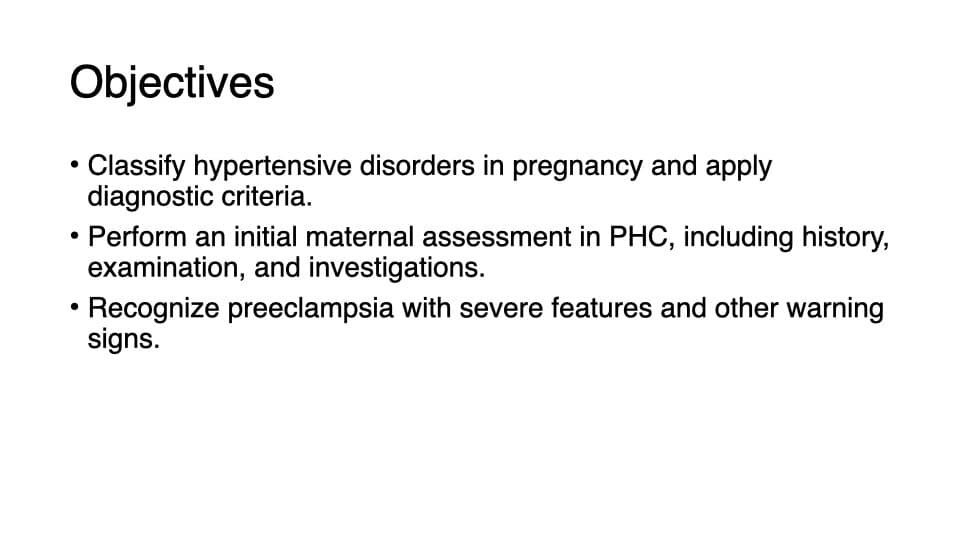
Before: objectives as plain bullets 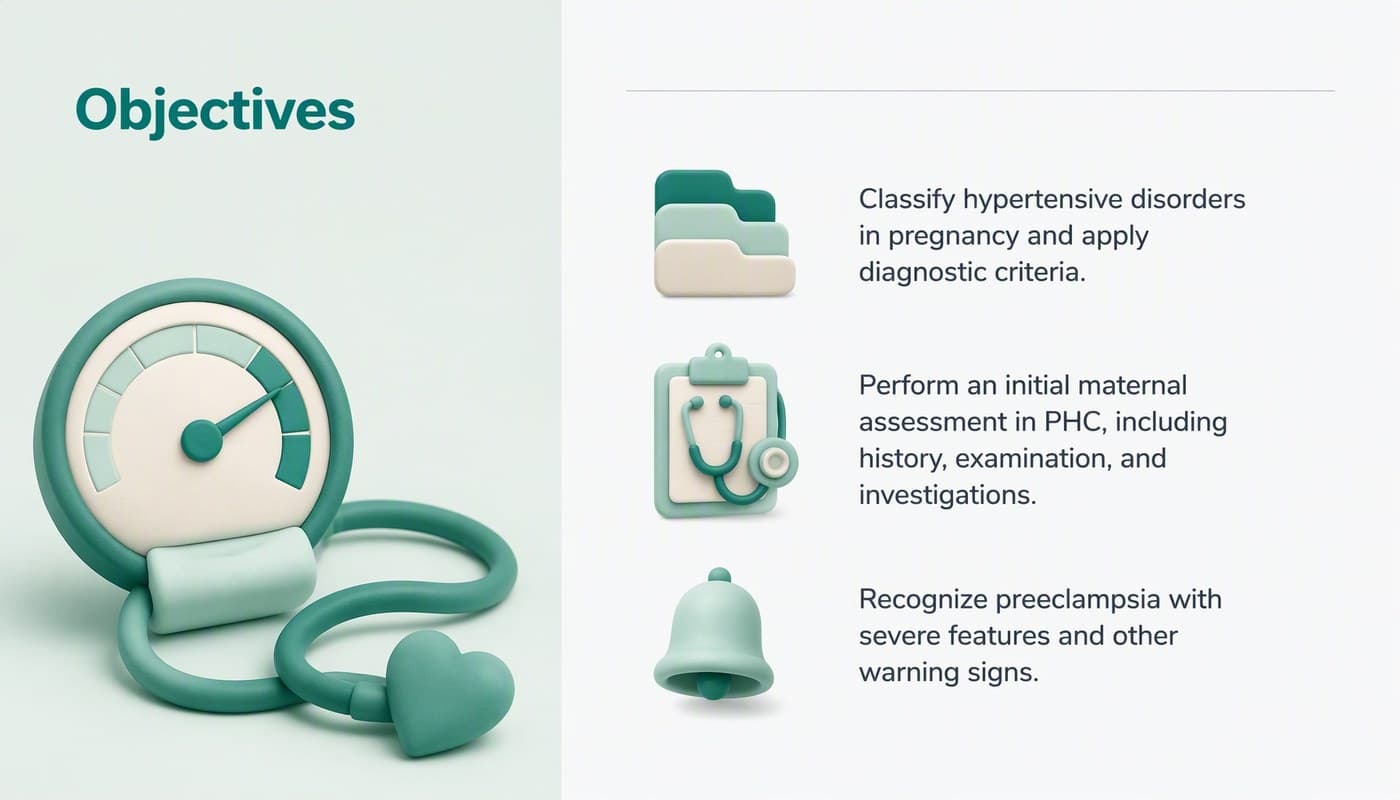
After: the same three sentences, one icon each - 02
On a case slide, separate the facts from the questions
A case slide does two jobs: it gives the facts (here a 28-year-old, G2P1, at 31 weeks, with blood pressure readings of 146/94 and 144/92 mmHg) and it asks what to do. In the original both sit in one text block, and the two questions are a single bullet. In the redesign the facts and the readings stay exactly as written, the questions become two bullets below a divider, and an image on the left sets the scene — an AI-generated image of a patient having her blood pressure taken, not a photo of a real person. Keep the figures exact: on a teaching slide they are the point.
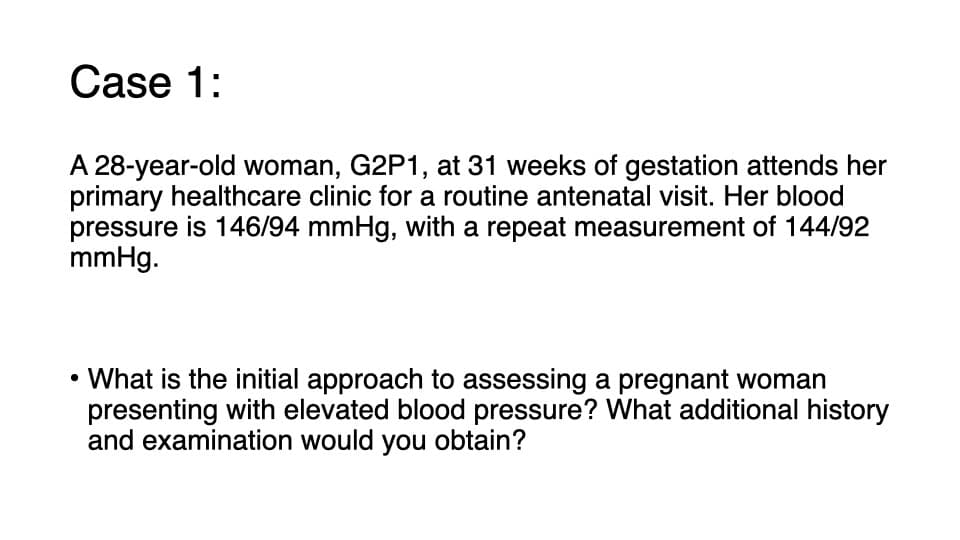
Before: Case 1, facts and questions in one block 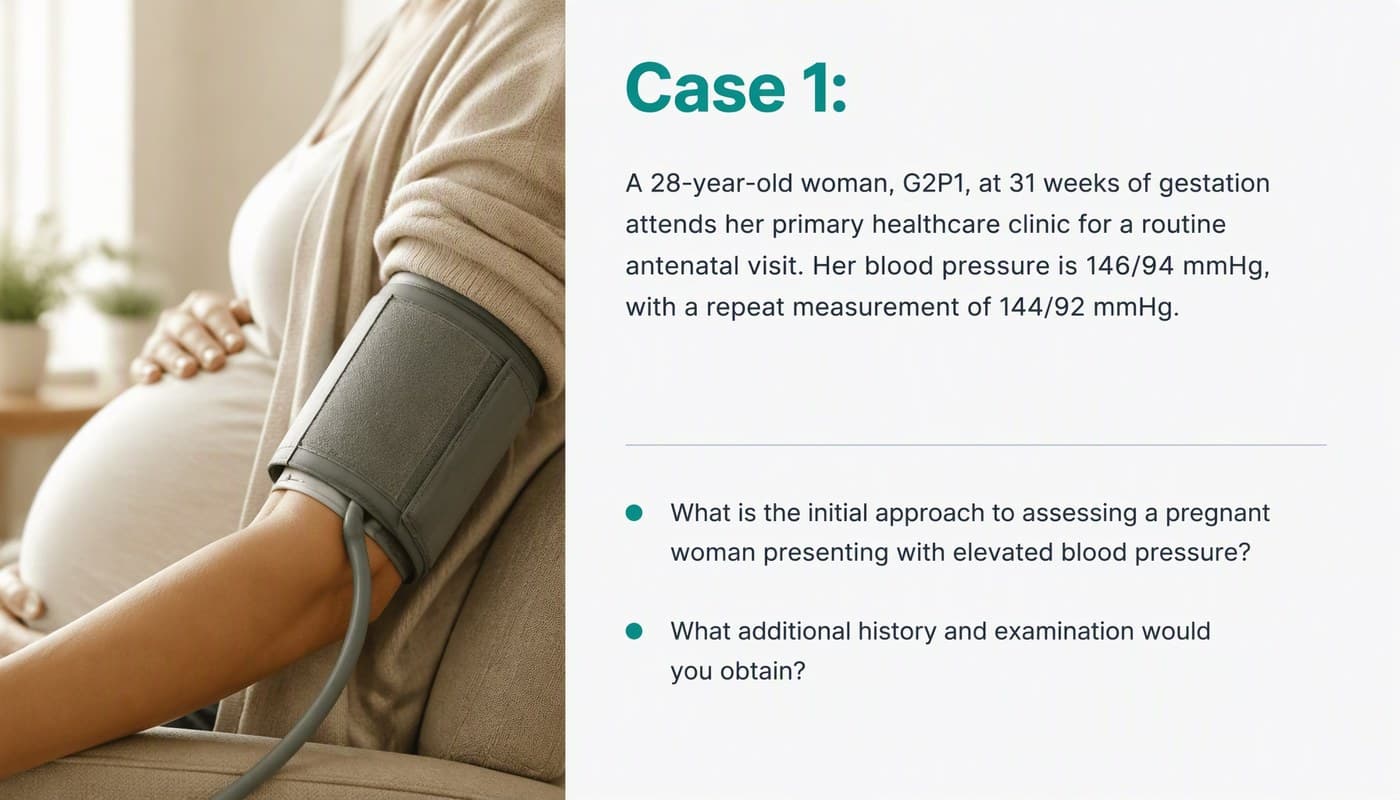
After: the same facts and figures, the questions as two bullets, a generated image added - 03
Turn the history checklist into a table the back row can read
“Ask about the following” is the most checklist-like slide in any clinical deck. Here it is a table with six systems — neurological, hepatic, respiratory, renal, gastrointestinal and general — and a question for each. In the original the table is small and sits in the template's default look; in the redesign it keeps the same six rows and the same questions, with larger type, clear row separators and a small organ icon per system so the eye can find “renal” without reading. The list on the left keeps its four items as written.
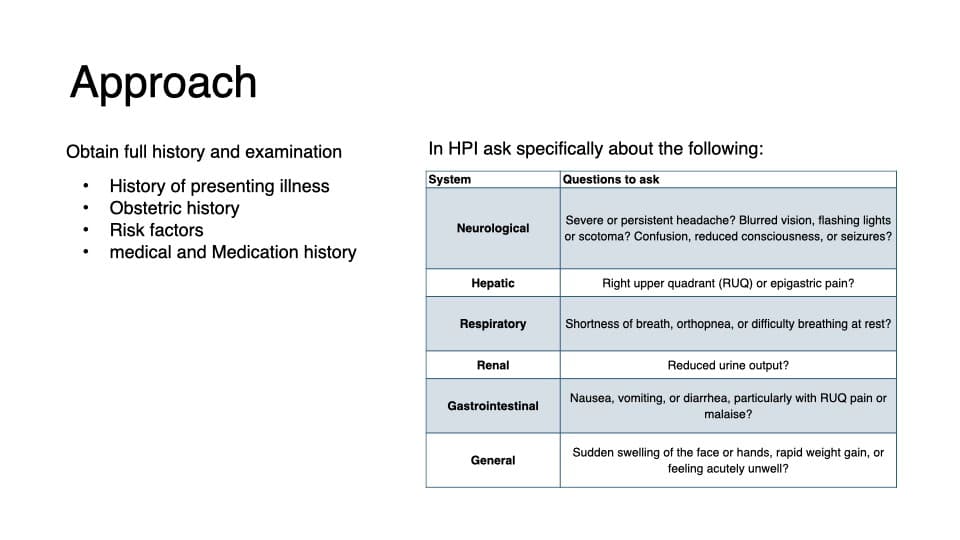
Before: a small default-style table 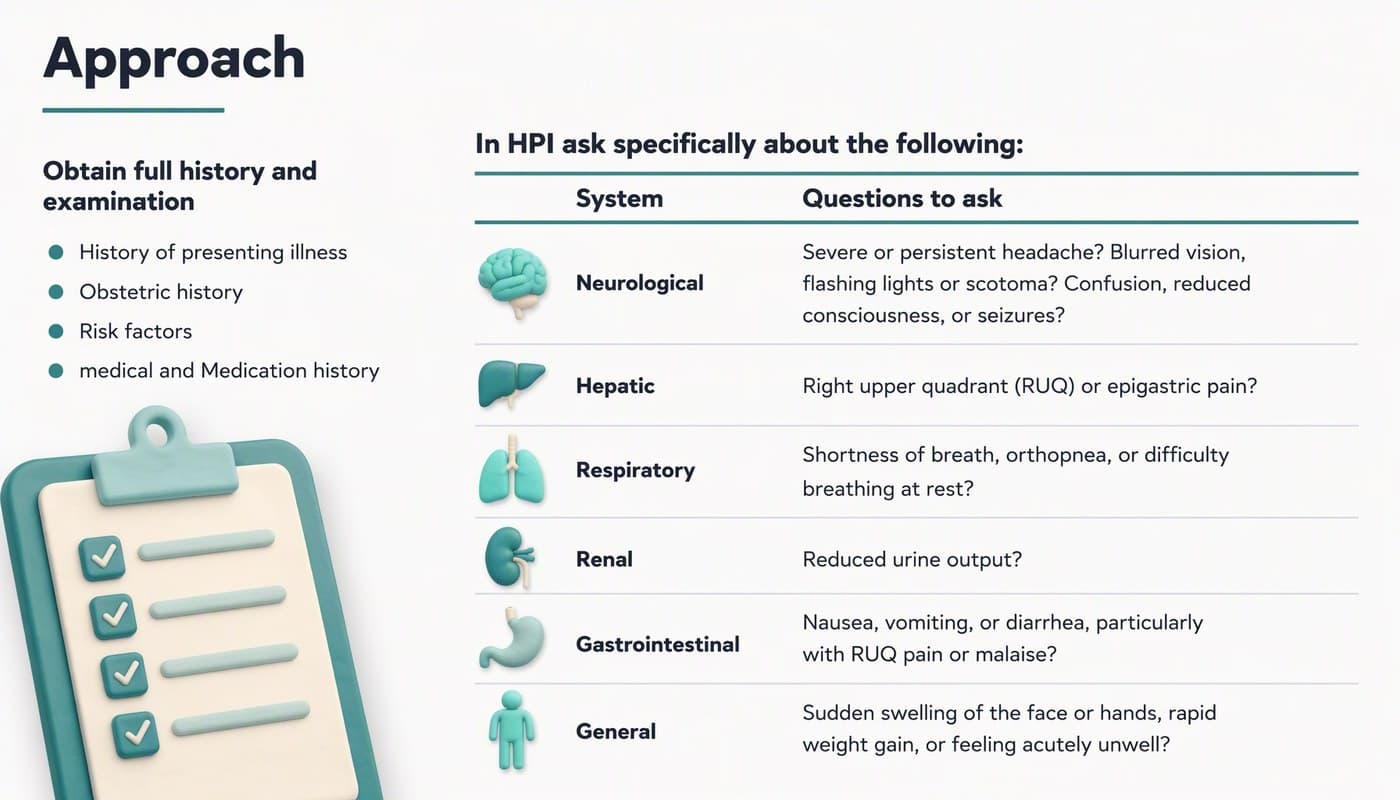
After: the same six rows and questions, larger type, an organ icon per system - 04
Give risk factors tiers, not one long list
The original lists high-risk and moderate-risk factors in small type with little to separate them: six high-risk items and seven moderate-risk items, among them “maternal age ≥35 years”, “obesity (BMI >30 kg/m²)” and “pregnancy interval >10 years”. The redesign keeps every item and every threshold, sets each tier under its own heading in larger type with a rule between them, and lets type size and weight carry the hierarchy, with one accent color on the headings. With thresholds like these, check each number against your source after any redesign.
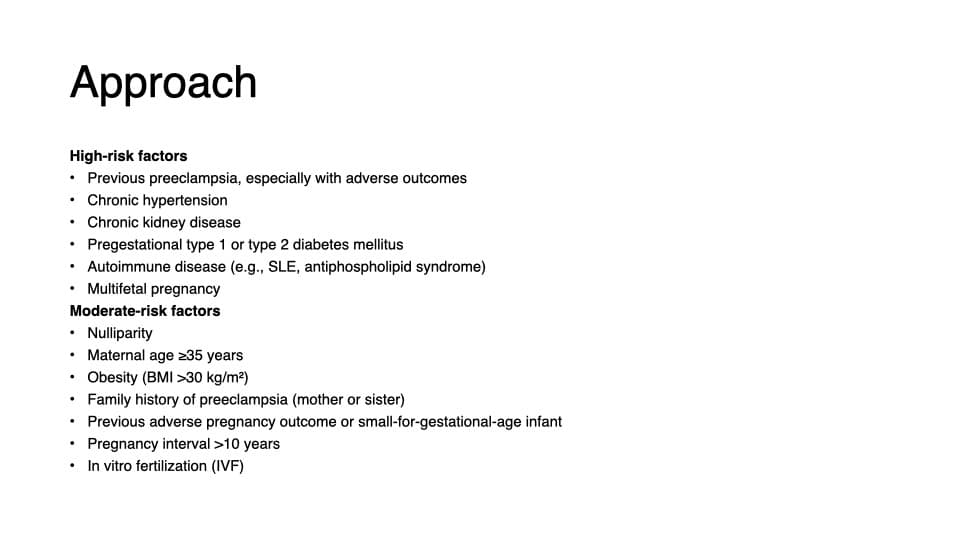
Before: two tiers of risk factors in small type 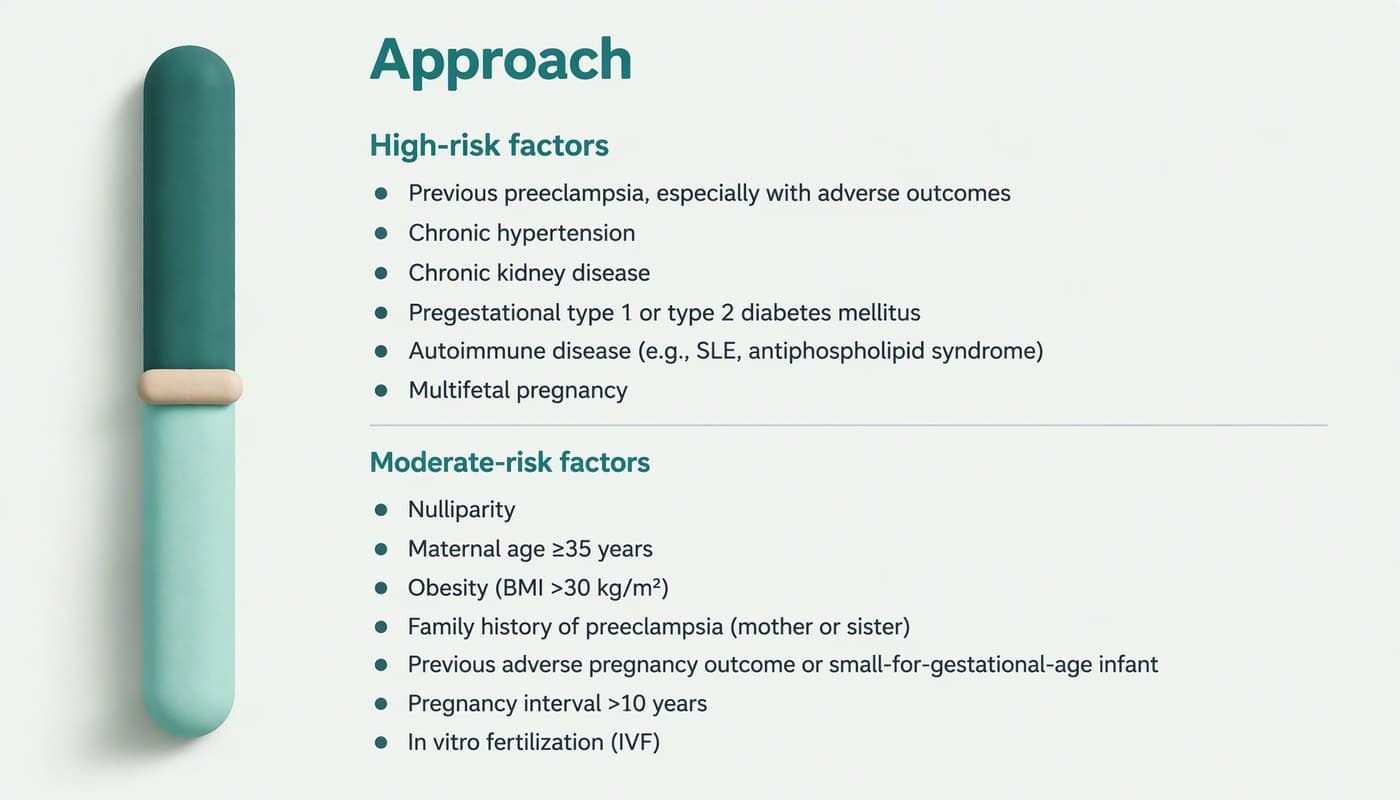
After: the same items, each tier under its own heading in larger type - 05
Make parallel terms look parallel
Classifications, stages and differential lists are four or five peers. The original shows the four terms — chronic hypertension, gestational hypertension, preeclampsia and eclampsia — as a bullet list, which says nothing about how they relate. As four columns, each with an icon in a same-size circle, they read as four categories at a glance, and you can point at one while you teach it. The terms are unchanged, including their original lowercase.
Before: four terms in a bullet list 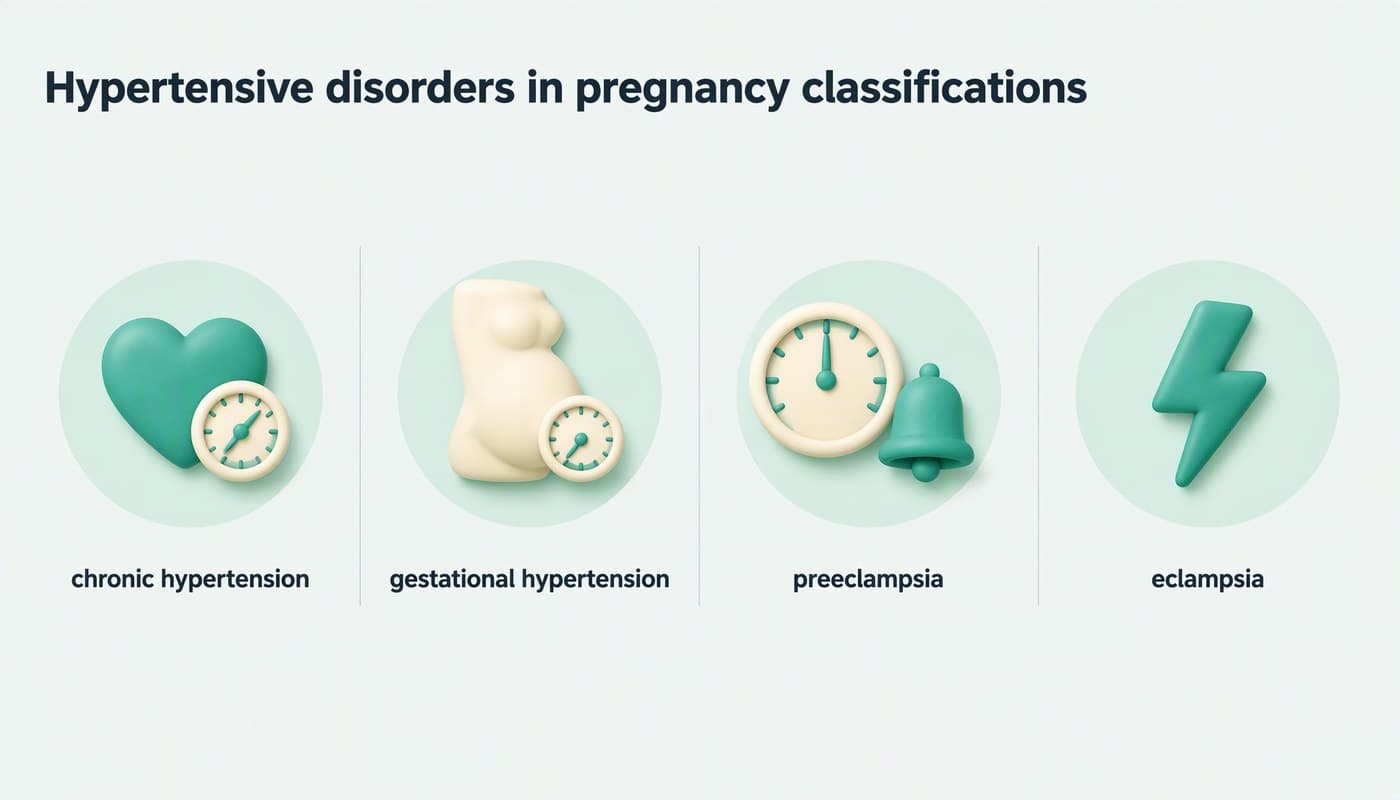
After: four columns, an icon in a same-size circle each - 06
Repeat one rhythm for every case
This deck has six cases. After the first it settles into a rhythm: a case slide with its question, then a teaching slide that names the diagnosis and its criteria — preeclampsia, “can you diagnose it without proteinuria?”, HELLP syndrome, chronic hypertension with superimposed preeclampsia, eclampsia — and it ends with management and a take-home message. That rhythm is this deck's own structure, not a rule from a guideline; what matters for design is that every case slide, and every teaching slide, looks the same. The audience learns where to look. If your deck was written by several people, that is also where it falls apart.
Several authors? Merge the decks and pick one style → - 07
Check the content, and take the patient out of the case
BetterPPT doesn't review clinical accuracy: the medicine, the criteria and the numbers are the author's. Choose keep every word on the setup page, then compare each slide with your source — we compared these five line by line, and the only wording change was the two questions becoming two bullets. Check what was added as well as what is missing: on this deck's title slide, not shown, the redesign added a small “PHC” mark and a repeated subtitle that weren't in the original. And teach with fictional or de-identified cases: BetterPPT has no HIPAA, business-associate or NDA arrangements and sends slide content to external AI models, so take names, record numbers and identifying dates out first.
Is it safe to upload a confidential deck? → - 08
Who BetterPPT is for — and who it isn't
BetterPPT is an AI design agent that redesigns PowerPoint decks you've already written — every slide individually — and returns an editable .pptx. It's for teaching decks where a lot is riding on it: a session you'll reuse for years, a course or evaluation presentation, a workshop at a conference. It isn't for a routine in-service talk that will be given once: free tools like PowerPoint Designer or Canva's free plan are enough for that. It's paid — $39 for up to 30 slides (this deck has exactly 30), about 15–20 minutes, with a $9.90 refundable deposit to preview up to six of your slides first.
How AI redesign of an existing deck works →
Questions
How should I structure a case-based discussion presentation?
In the deck we redesigned, the order was: objectives, the classification, a first case with its questions, the history and examination checklist, risk factors, investigations, the first diagnosis and its management, then five more cases, each followed by a teaching slide that names the diagnosis and its criteria, and finally management and a take-home message. That is one deck's structure rather than a rule from a guideline, but the repeated case-then-teaching rhythm is easy to copy.
Can I use AI to redesign my clinical teaching slides without changing the clinical content?
Yes, if the tool lets you lock the text. Choose keep every word, then compare each slide with your source, including figures and thresholds. AI can improve the layout; it can't check the medicine, so have a colleague review the final deck. In the five slides shown here the text was carried over as written, and the only change was two questions becoming two bullets.
Is it OK to use real patient cases in teaching slides?
Only if your institution allows it, and take out names, record numbers and identifying dates first — removing names is often not enough. Fictional or de-identified teaching cases are the safe choice. BetterPPT has no HIPAA, business-associate or NDA arrangements and sends slide content to external AI models; unpaid decks are deleted automatically after 3 days and paid decks are kept for 1 year.
How much does it cost and how long does it take?
$39 for up to 30 slides and $59 for 31–50, one-time with no subscription; about 15–20 minutes for 30 slides. A refundable $9.90 deposit shows you up to six of your slides redesigned first. It accepts .pptx files up to 50 slides and 50 MB, and there is no in-browser editor — you edit the returned .pptx in PowerPoint.
Will I get an editable file back?
Yes. BetterPPT returns an editable .pptx with real text boxes, plus an HD image version, so you can correct anything in PowerPoint before you present.
Bottom line
A case-based teaching deck is five slide patterns repeated well. BetterPPT redesigns every slide individually and returns an editable .pptx, with the text as written if you choose keep every word — a refundable $9.90 deposit shows you up to six of your own slides before you pay the rest.