Yes — if the tool lets you lock the text. BetterPPT has three modes: keep every word, allow light editing, and allow restructuring; in keep-every-word mode the slide text is carried over unchanged while the layout, hierarchy and imagery are redesigned. “Keep every word” is about the text; images follow their own rule. BetterPPT assesses each original image: good ones are kept and enhanced — extended or retouched to fit the new layout — and weak or generic ones are replaced with new images matched to your industry and topic. The redesign may also add small layout elements such as page numbers. So for audited figures, board material or a locked tender, choose keep every word and still compare the result with your original before you send it — every figure, name, date and qualifier.
- 01
Pick the mode before you upload
Keep every word: the text stays as written; only the design changes. Allow light editing: the tool may shorten and remove repetition without changing the meaning or dropping key information. Allow restructuring: it may cut, merge and reorganize crowded slides and rewrite titles. For financial results, legal or compliance wording, a locked tender response or anything someone has signed off, use keep every word.
- 02
What “keep every word” locks — and how images are handled
In this logistics company slide, redesigned in keep-every-word mode, every line of text is unchanged — even the original's grammar — and the four figures became the focal point. The original stock photo was replaced with a new, on-topic image of containers, and the company name, which sat alone on the last line, became the logo on them. BetterPPT assesses each original image: good ones are kept and enhanced — extended or retouched to fit the new layout — and weak or generic ones are replaced with new images matched to your industry and topic. If a slide needs a real photo of your own site, team or product, use a clear, good-quality original so it is kept.
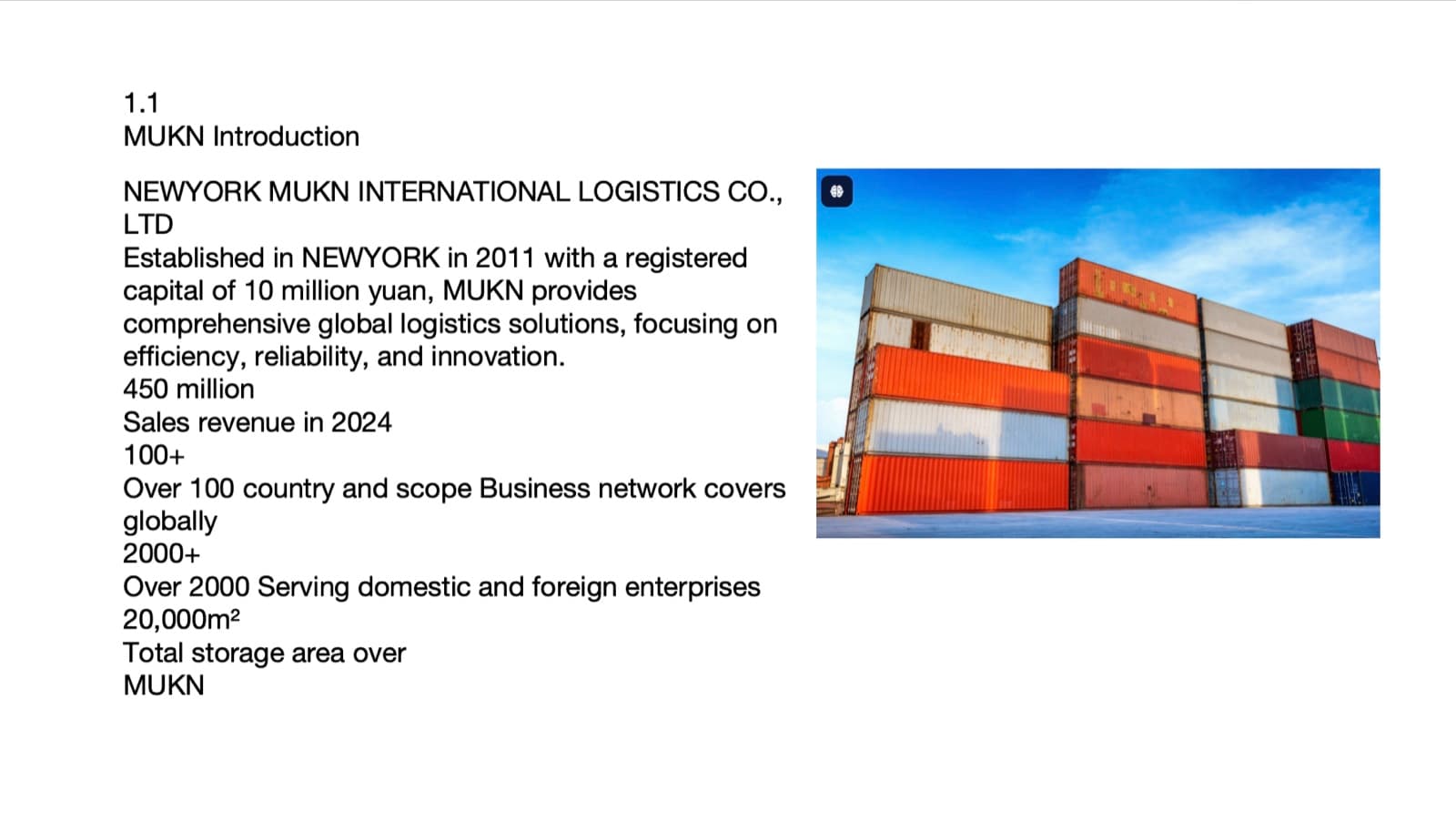
Before: the original slide 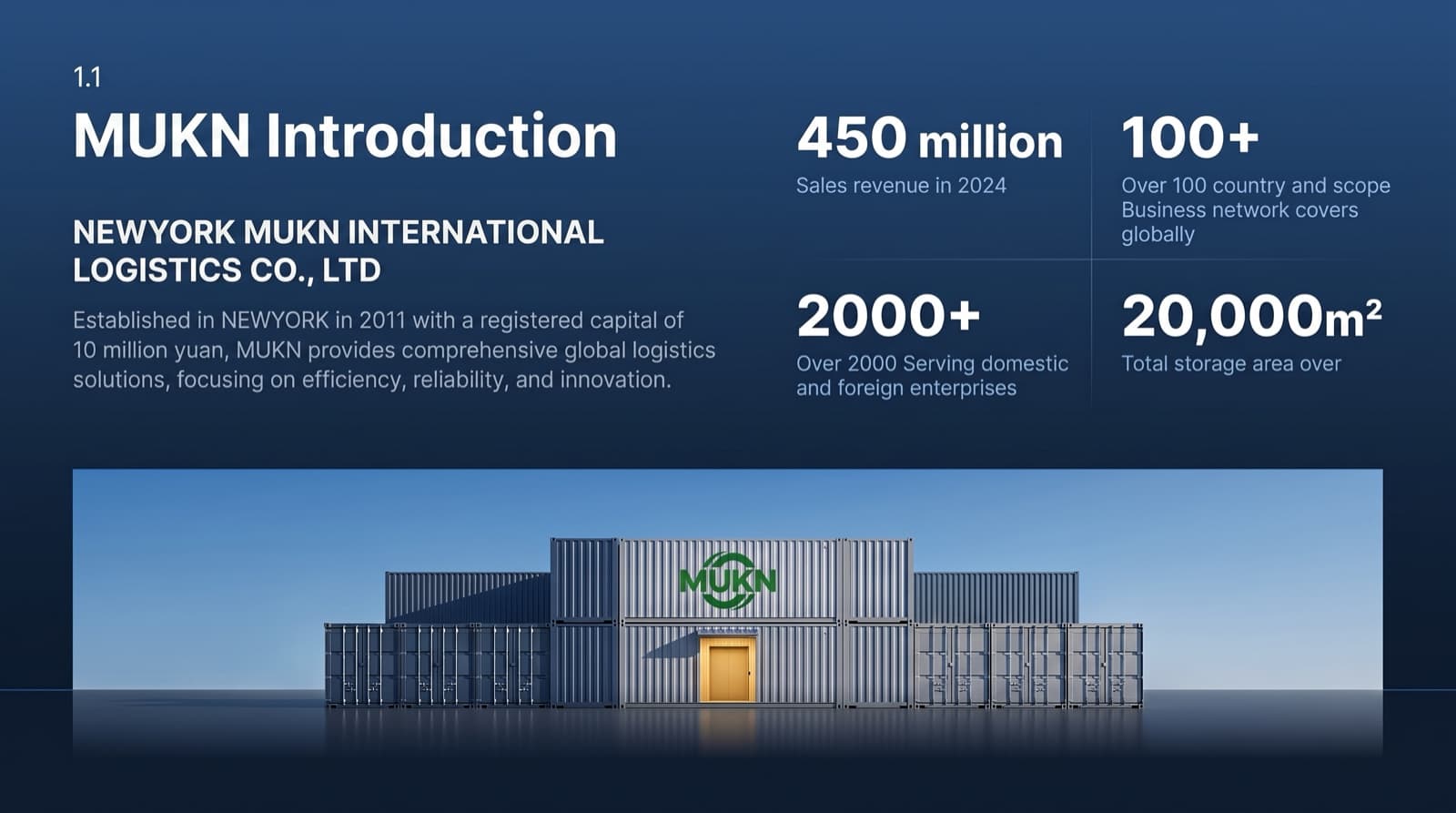
After (keep every word): same text, an on-topic new image, the company name as a logo - 03
Additions are changes too
A redesign can add elements that weren't in your file. On this contents slide all eight section titles and “AXIOM · 2025” stayed word for word, but the AXIOM wordmark appeared at the top left and a “01 / 08” page counter at the bottom right. Harmless here — but in a tender or a regulated document, an added label, number or claim can matter. Look for what's new, not only for what's missing.
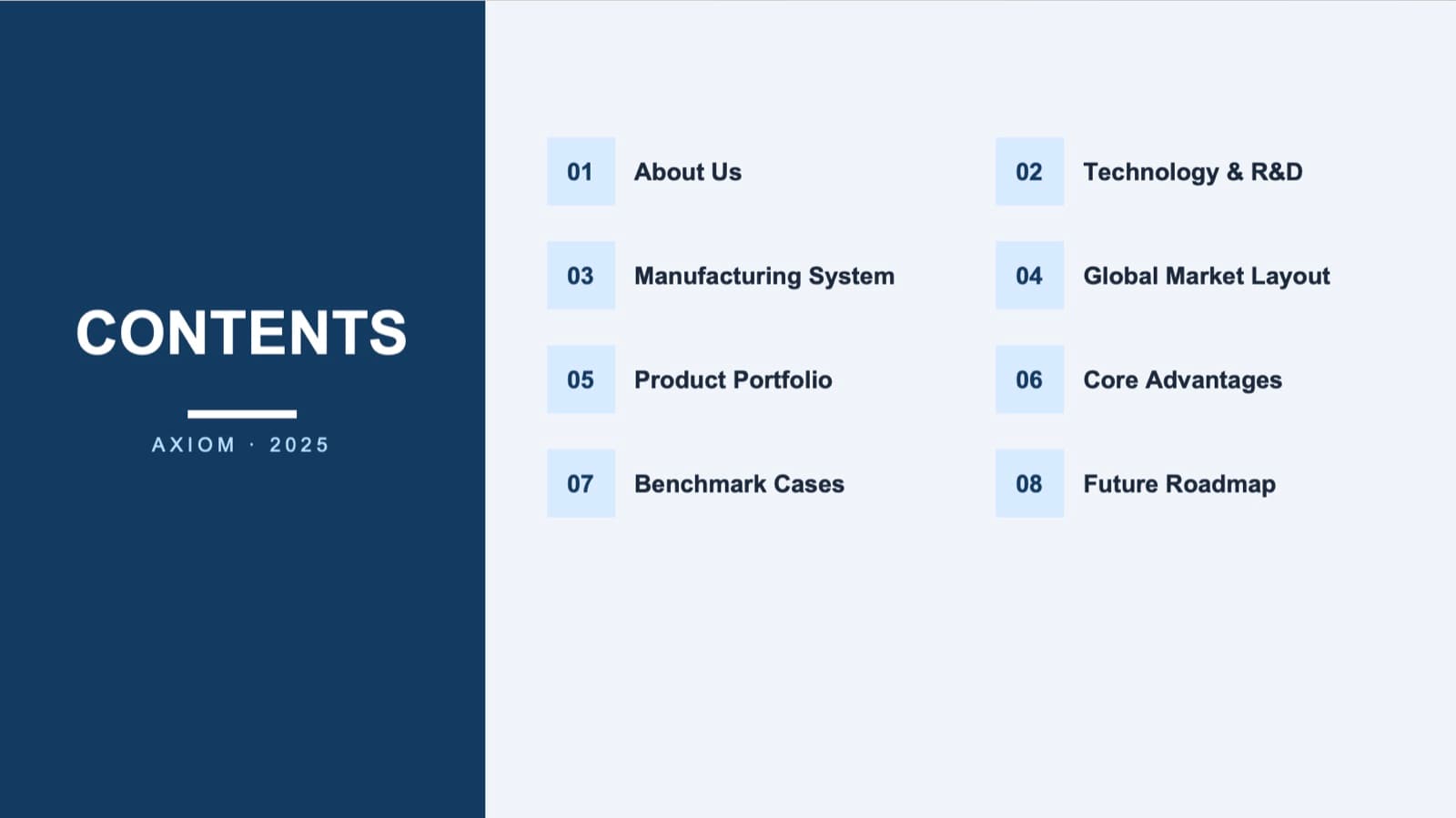
Before: eight section titles 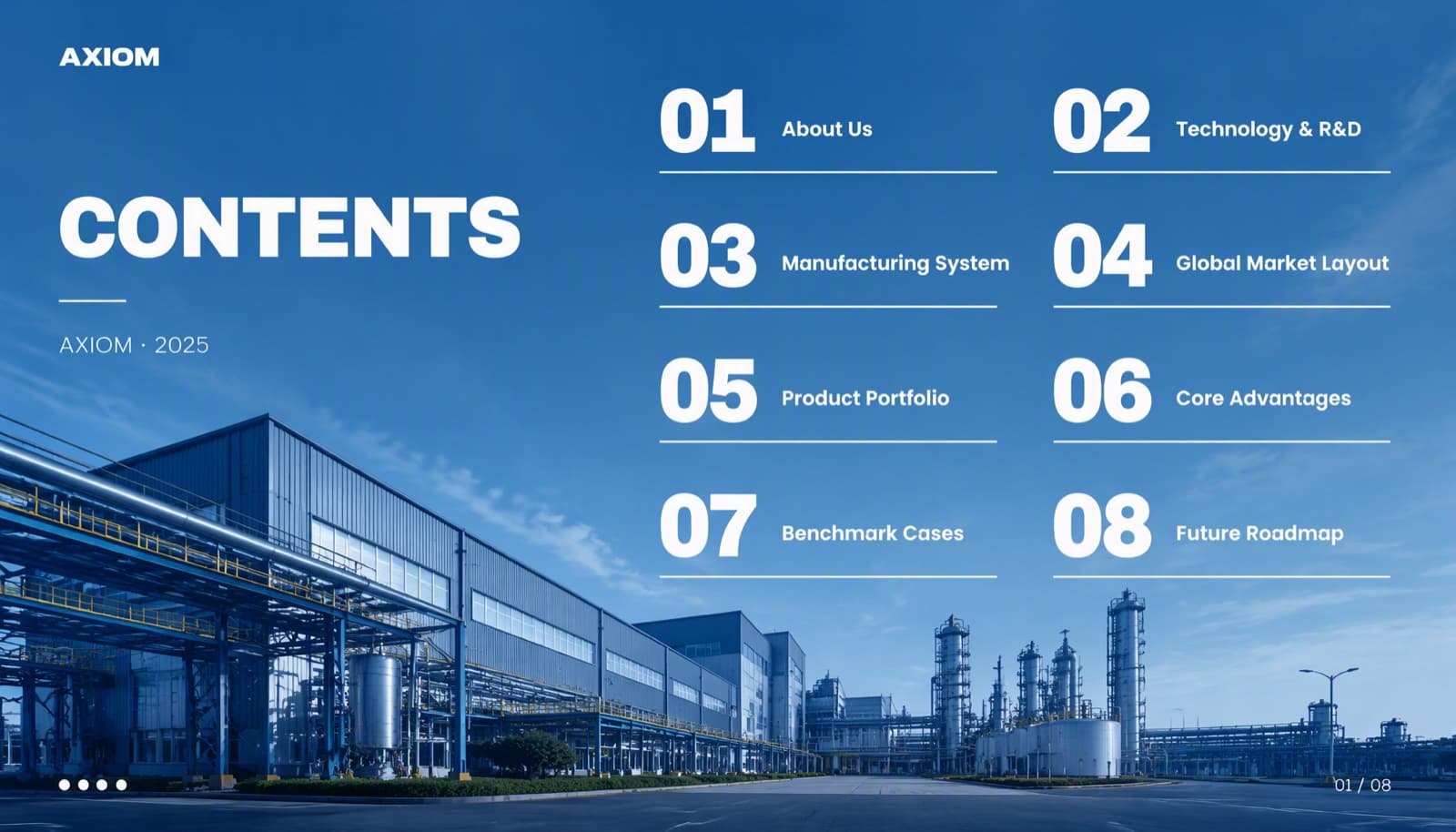
After: same titles, plus a wordmark and a page counter - 04
What restructuring can do to a number
This slide was redesigned in allow-restructuring mode. It kept 1,200+, 800+, 11%, 60% and 34%, but “Digital twin cuts product R&D cycles by up to 60%” became “Digital twin cuts R&D cycles by 60%”, and the 10%–14% industry benchmark range was dropped. The original lab photo, a good one, was kept and extended into a full-bleed background. The number survived; the qualifier didn't — and “up to 60%” and “60%” are different claims. That is exactly why audited or locked content should never go through restructuring.
Every change in that example, line by line →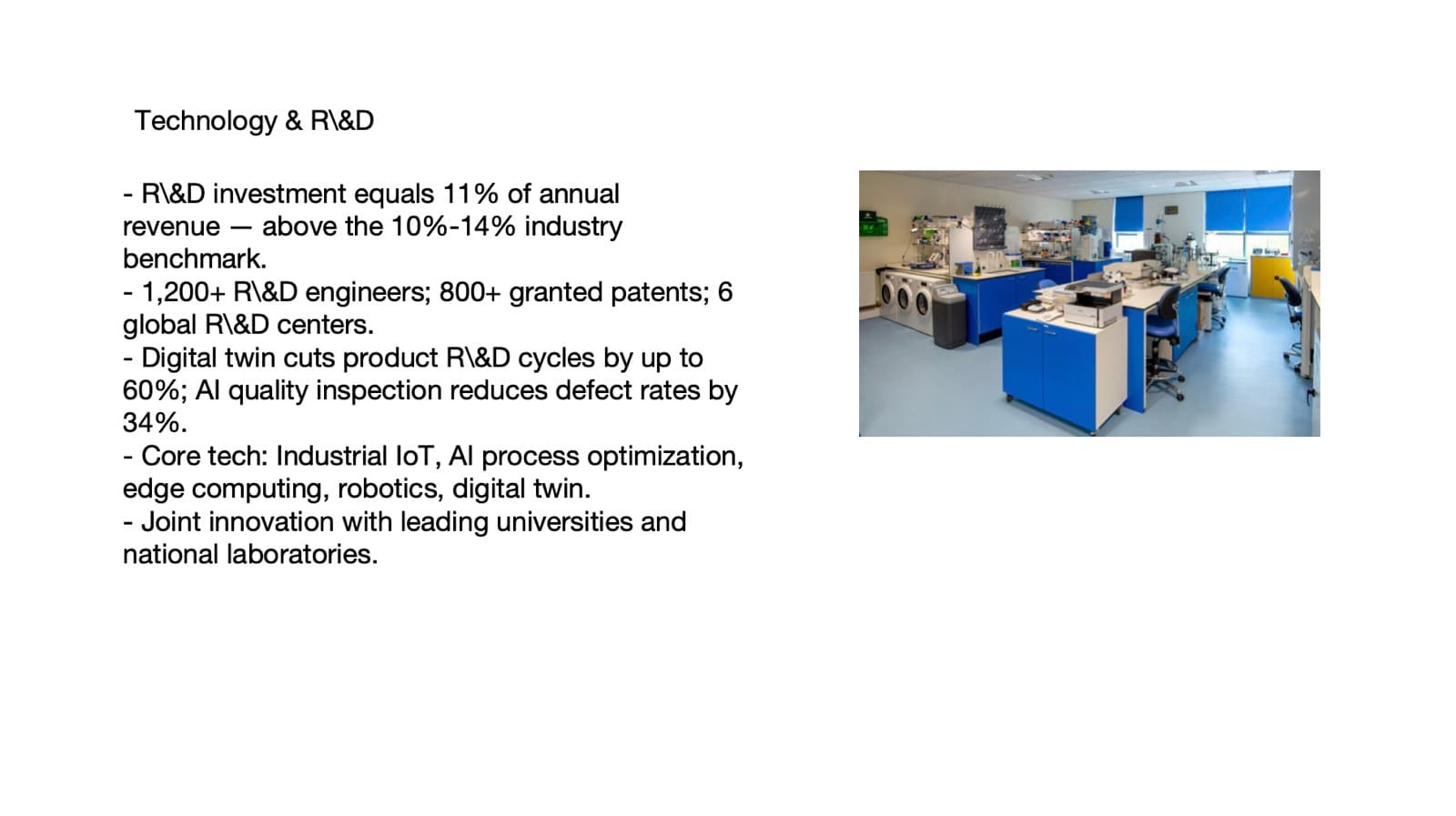
Before: “up to 60%”, with an industry range 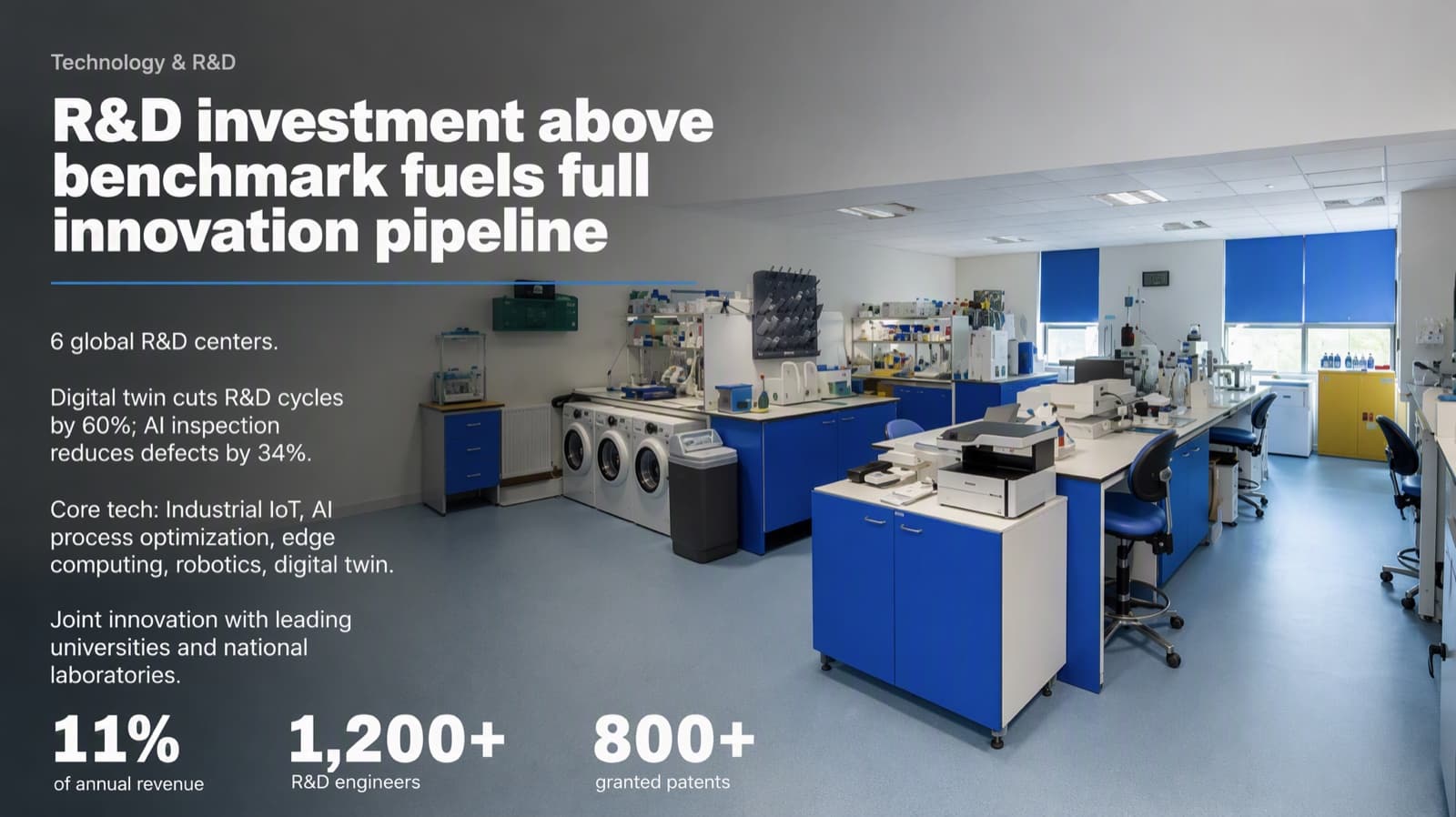
After (restructuring): “by 60%”, range dropped - 05
How to check the result in ten minutes
Before you open the redesigned file, list every figure, name, date and qualifier (up to, at least, approximately) from the original. Then go slide by slide and tick each one off; mark anything added that wasn't there. Check chart labels and axis values too, not just body text. If anything is off, fix it in the returned .pptx — it's editable — rather than sending a version you haven't read.
- 06
Who BetterPPT is for — and who it isn't
BetterPPT is an AI design agent that redesigns PowerPoint decks you've already written — every slide individually — and returns an editable .pptx. It's for decks where a lot is riding on it — investor meetings, client pitches, board updates, promotion reviews and conference talks — including ones where the words can't change. It isn't for a class assignment or a routine team update: free tools like PowerPoint Designer or Canva's free plan are enough for those. It's paid — $39 for up to 30 slides, with a $9.90 refundable deposit to preview up to six of your slides first.
How AI redesign of an existing deck works →
Questions
Can AI redesign a PowerPoint without changing the text?
Yes, if the tool has a mode that locks the text. BetterPPT's keep-every-word mode carries the slide text over unchanged and redesigns the layout, hierarchy and imagery. Good original images are kept and enhanced, weak ones replaced with new on-topic images, and small elements such as page numbers may be added — so compare the result with your original before you send it.
Is it safe to use AI on financial results or a tender response?
Only with the text locked and a full check afterwards. Choose keep every word, never restructuring, then tick off every figure, name, date and qualifier against the original, including chart labels. In our restructuring example, “up to 60%” became “by 60%” — a different claim.
Will I get an editable file back?
Yes. BetterPPT returns an editable .pptx with real text boxes, plus an HD image version, so you can correct anything in PowerPoint before you present or submit.
What does BetterPPT cost, and what are its limits?
$39 for up to 30 slides and $59 for 31–50 slides, one-time with no subscription; a refundable $9.90 deposit lets you see up to six redesigned slides first. It costs more than subscription tools and has no in-browser editor — you edit the returned .pptx in PowerPoint. It accepts .pptx files up to 50 slides and 50 MB.
Bottom line
If your figures are audited or your wording is locked, choose keep every word, then check the result against your original before it leaves your hands. BetterPPT redesigns every slide individually and returns an editable .pptx — a refundable $9.90 deposit shows you up to six of your own slides first.